COPYRIGHT © 2012 RED Digital Cinema 955-0003_v3.2, Rev-A1
196
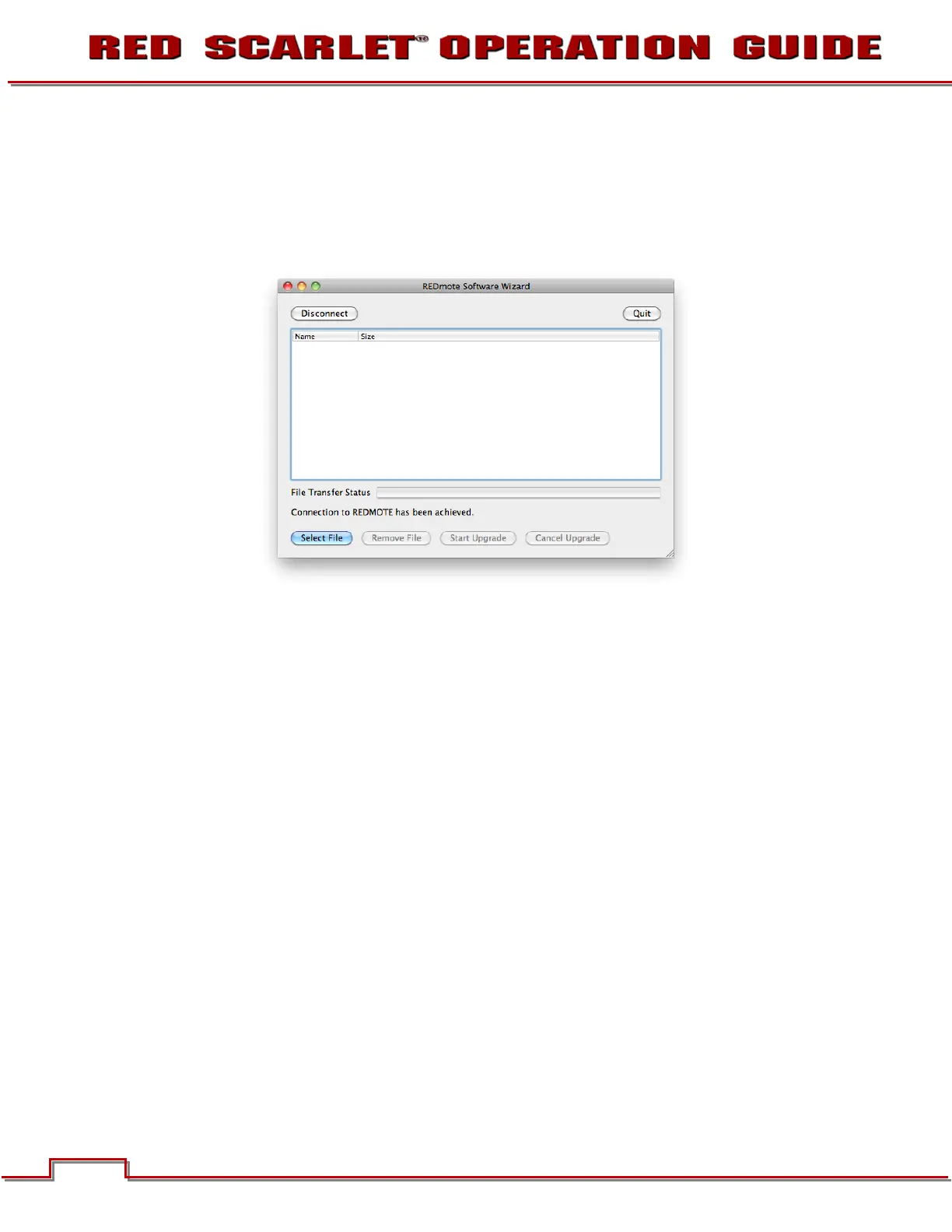
7. Click “Connect”. When REDMOTE has been established, “Connection to REDMOTE has been
achieved” will be displayed.
NOTE: If REDMOTE does not connect, verify that the IP address set under CONFIGURING
REDMOTE CONNECTION WITH COMPUTER (MAC) has held. If not, enter it again as outlined in
the procedure.
8. Click "Select File" and navigate to the redmote.1.bin file located in the REDmote_firmware_vXXX
folder.



 To Next Page