955-0003_v3.2, Rev- A1 COPYRIGHT © 2012 RED Digital Cinema
199
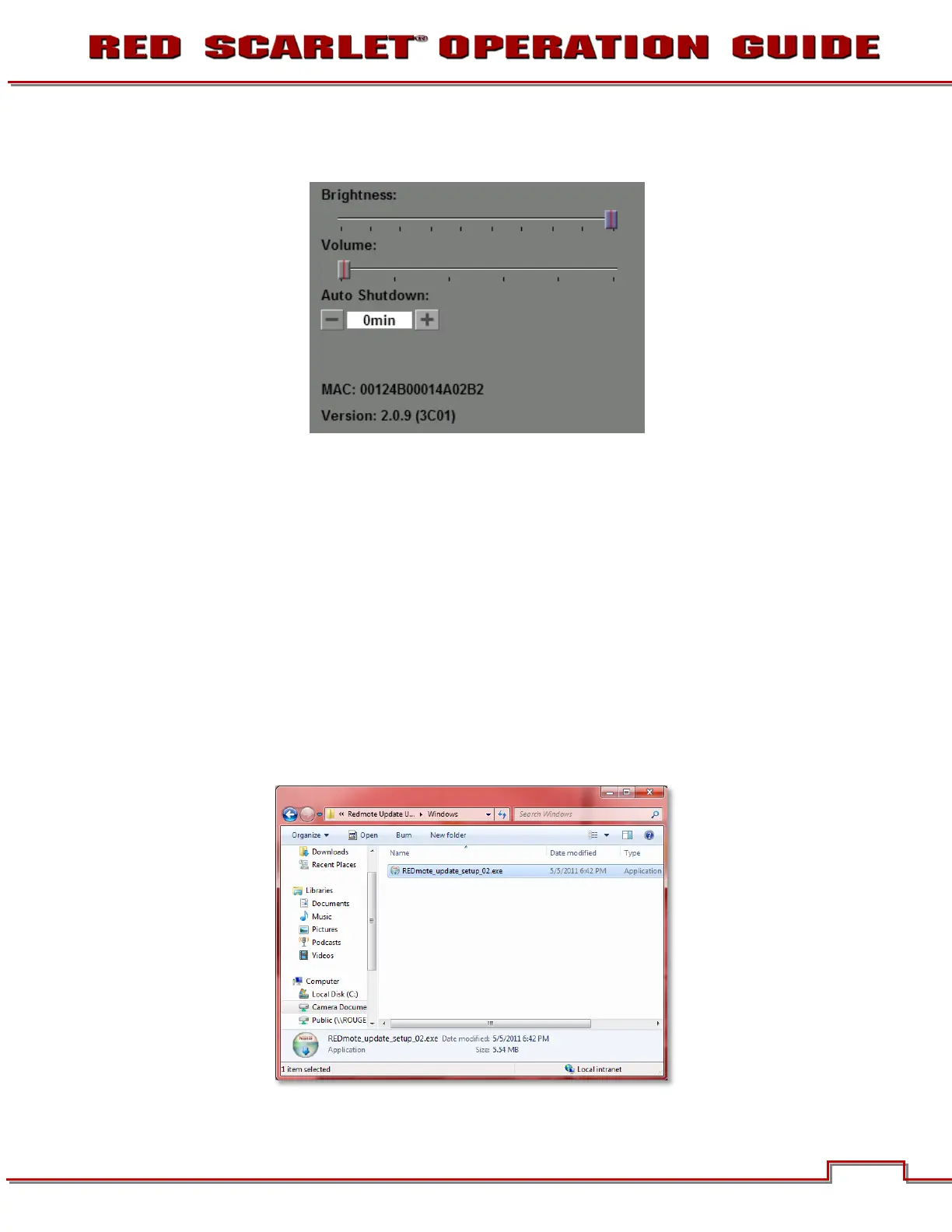
17. Verify the current REDMOTE firmware version by selecting SETUP > SETUP SYSTEM on the
REDMOTE.
18. REDMOTE upgrade is complete. You can now reconnect to the camera.
NOTE: Pairing of the REDMOTE may not be necessary after upgrading the REDMOTE firmware,
however after upgrading the camera firmware, you must pair the REDMOTE again.
WINDOWS
Install Upgrade Utility
This procedure outlines installation of the REDMOTE Upgrade Utility for Windows computers.
1. Download the REDMOTE Update zip file to your desktop.
2. Uncompress the zip file.
3. Open the newly created folder.
4. Double-click on the REDMOTE_upgrade_setup.exe file to install the program.



 To Next Page