COPYRIGHT © 2012 RED Digital Cinema 955-0003_v3.2, Rev-A1
198
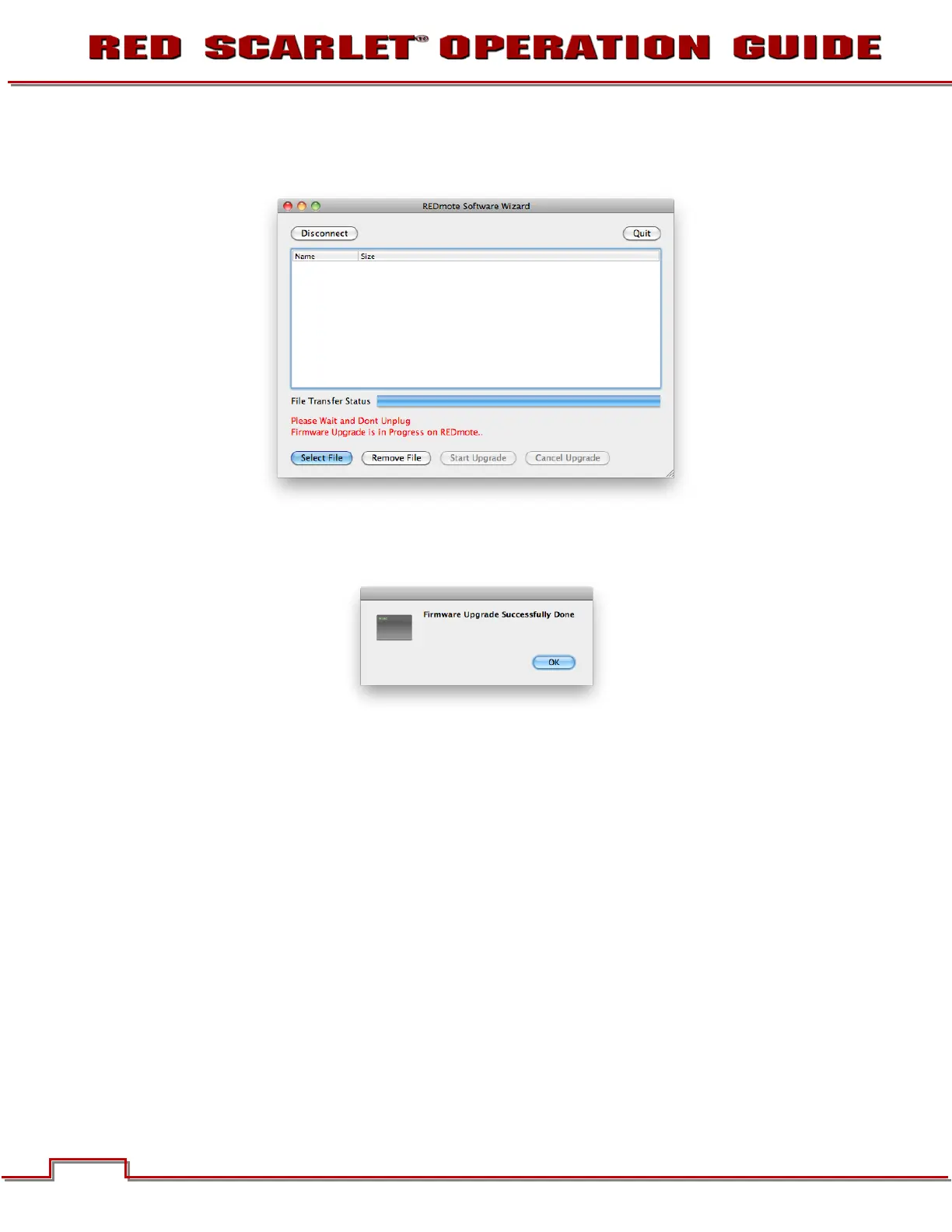
12. Once the File Transfer Status is completed, the REDMOTE Software Wizard will display “Please Wait
and Don’t Unplug – Firmware Upgrade is in Progress on REDMOTE”.
13. After a few more seconds, the REDMOTE Software Wizard will display “Firmware Upgrade
Successfully Done”. Select OK.
14. The REDMOTE Software Wizard will disconnect from the REDMOTE.
15. REDMOTE will reboot.
16. REDMOTE upgrade is complete. REDMOTE will display “POWER UP”, then “SEARCHING” once the
upgrade has completed. Finally displaying “Camera: RESCAN…” and going into IDLE mode.



 To Next Page