COPYRIGHT © 2012 RED Digital Cinema 955-0003_v3.2, Rev-A1
214
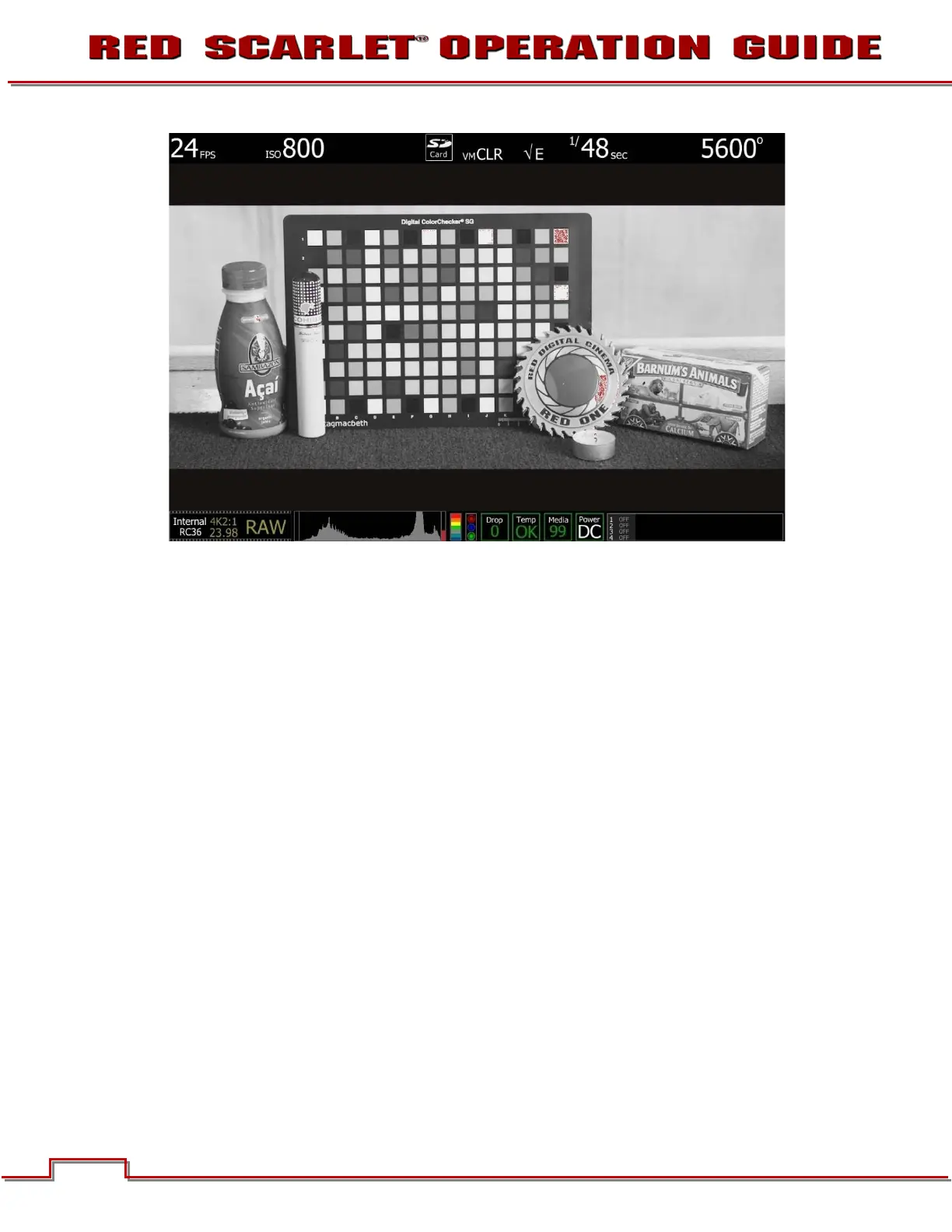
ISO 800 - False Color: Exposure
Select False Color – Exposure: note the √ E icon in the GUI when active. This mode allows us to
visualize where in the image over exposure is taking place. These areas are indicated in red. It is clear
those areas are on the highlight on coin, and at the top right edge of the color chip test chart.



 To Next Page