955-0003_v3.2, Rev- A1 COPYRIGHT © 2012 RED Digital Cinema
217
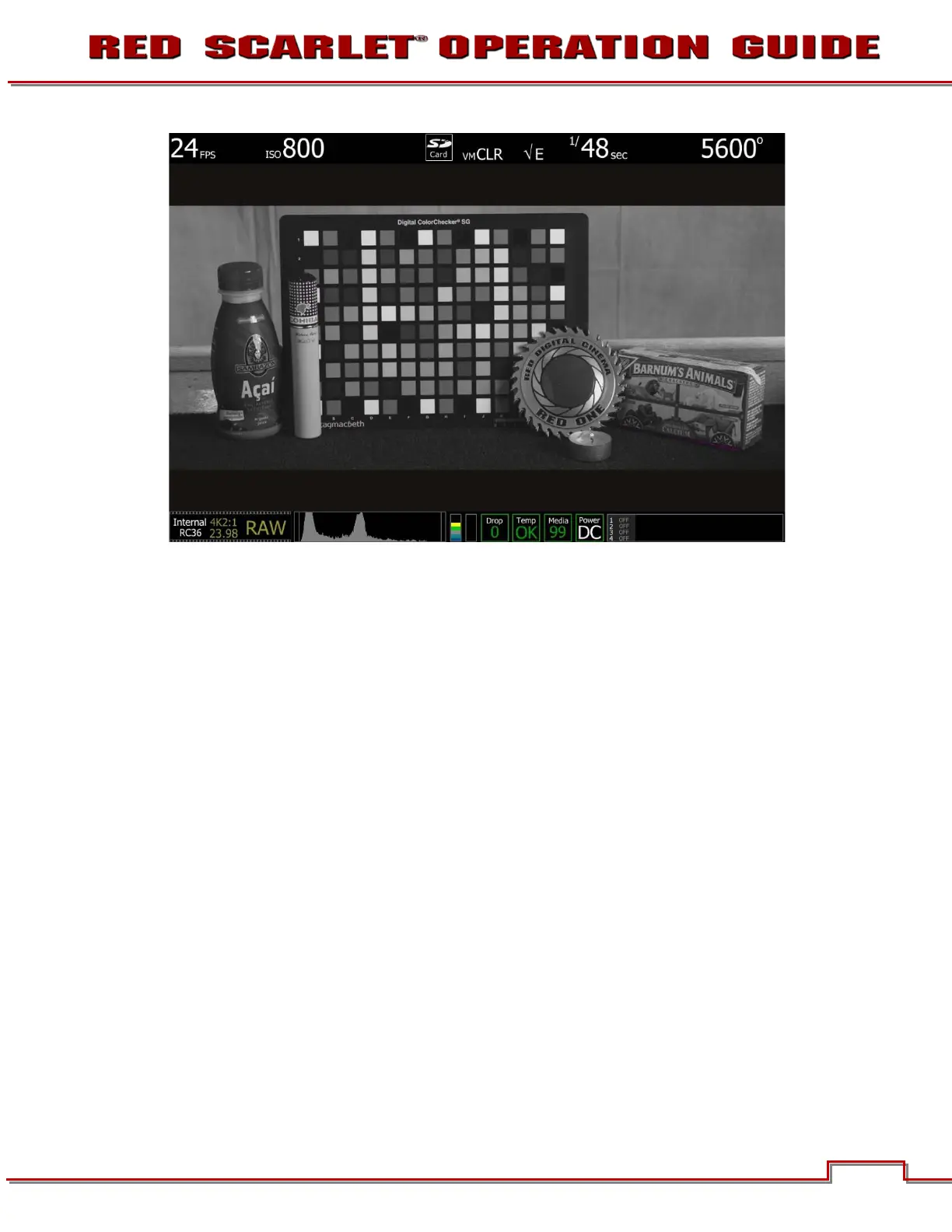
ISO 800 - False Color: Exposure
Select False Color – Exposure: note the √ E icon in the GUI when active. This mode allows us to
visualize where there is under exposure (purple) or over exposure (red) in the image. In this case, there is
a very small area of purple under the cracker box, and just a suggestion of red on the highlight on the
coin, which suggested that the sensor is appropriately exposed for this scene.



 To Next Page