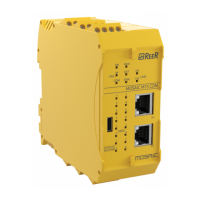
Module configuration must be
performed with the system
switched off (outputs OFF).
You can query module configuration at any
time while the module is in use. To
configure the MBx module, proceed as
follows:
1. connect the module to the
24VDC+20% power supply via the
terminal block;
2. connect the USB cable to the PC and
to the MBx (or MBU) module;
3. click on the "
desktop icon.
The configuration window shown at the
side is displayed (Figure 8).
4. Press the “CONNECT” key.
The program recognises that a bus module
is connected (Figure 9); the fieldbus model,
firmware version and Master M1 status are
displayed:
green=M1 active (RUN);
red=M1 not active
(e.g. communication with Designer).



 To Next Page
 Loading...