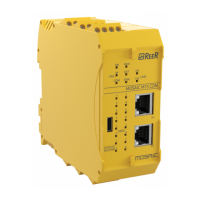
Mosaic fieldbus modules
8540801 • 01/02/2017 • Rev.15 20
Once the module is connected it is recognised and you can configure the parameters by
selecting the different cards shown in figures 9 to 11 ( figure 7); press the
key to send the configuration data to the module.
Figure 10 - I/O selection
input status,
fieldbus input status,
probe status,
output status
input status,
fieldbus input status,
probe status,
output status
input status,
fieldbus input status,
probe status,
output status
input status,
fieldbus input status,
probe status,
output status
input status,
fieldbus input status,
probe status,
output status
input status,
fieldbus input status,
probe status,
output status
After setting the parameters, click on the “MONITOR" key.


 To Next Page
 Loading...