5.13
ENG_UD68538_6
Mise à jour carte et système (XNX - Renault)
A message appearing on the screen of
your multimedia system offers to locate
your vehicle in order to detect the fa-
vourite country.
If you wish to change the favourite
country 11 again, please contact an ap-
proved dealer.
Note: by default, your favourite country
is based on the detected vehicle loca-
tion.
Updating the navigation
maps
“Map update” 3
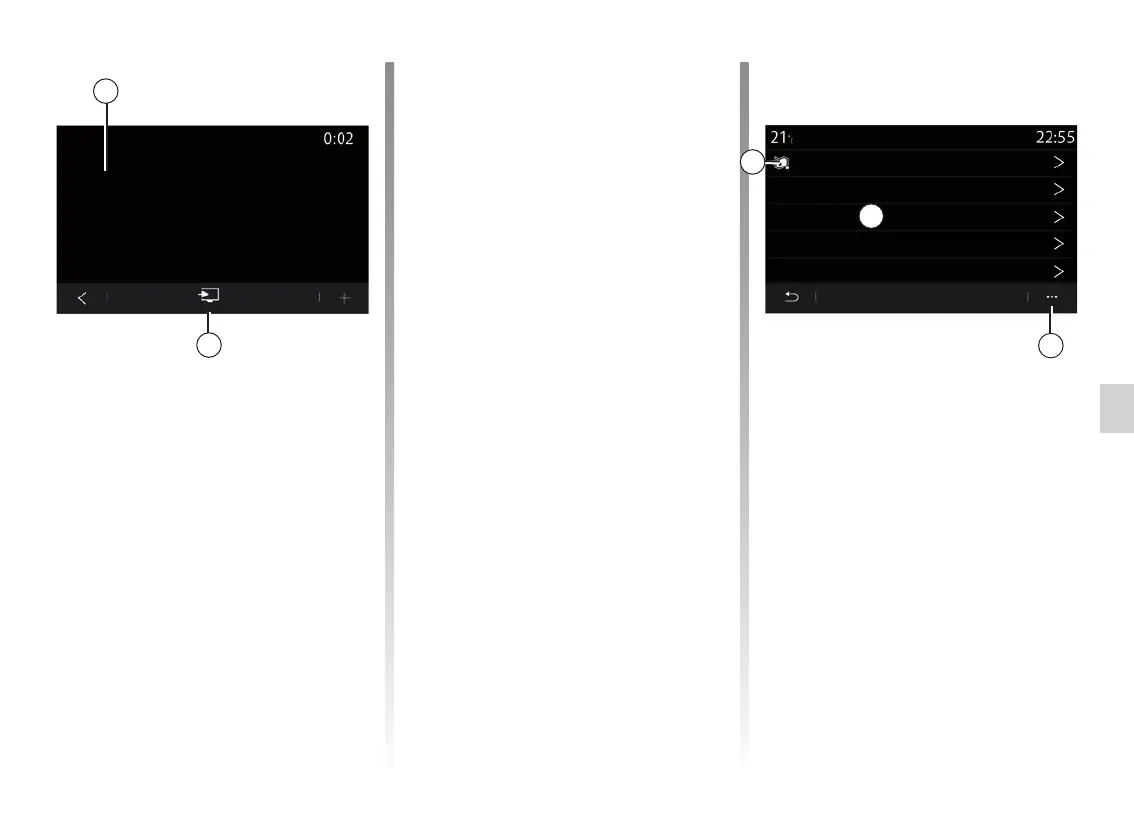
You can view the list of countries 9 in-
stalled on the navigation system.
Only the country registered as the fa-
vourite 11 will be updated automatically.
To update your maps, first check that
all of your vehicle services are acti-
vated. Please see the section entitled
“Activating services”.
From the pop-up menu 10 you can
view the map update instructions using
Renault CONNECT Toolbox.
Changing the favourite country
The favourite country 11 can only
be changed once via the multime-
dia system. The favourite country can
be defined once the vehicle is in your
hands and the services are activated.
10
UPDATING THE CARD AND SYSTEM (3/7)
Espagne
France
Italie
Portugal
Grèce
Map update
9
11
Start the update 7 installation by press-
ing “Install” 8.
Follow the instructions shown on the
multimedia system screen. You can
leave your vehicle after pressing “OK“
to confirm installation, without waiting
for the update to finish.
8
46 Mo
v.214.1563, 26/06/2018
Install
Check for updates
7



 To Next Page