2.8
ENG_UD68946_6
Carte (XNX - Renault)
MAP (7/7)
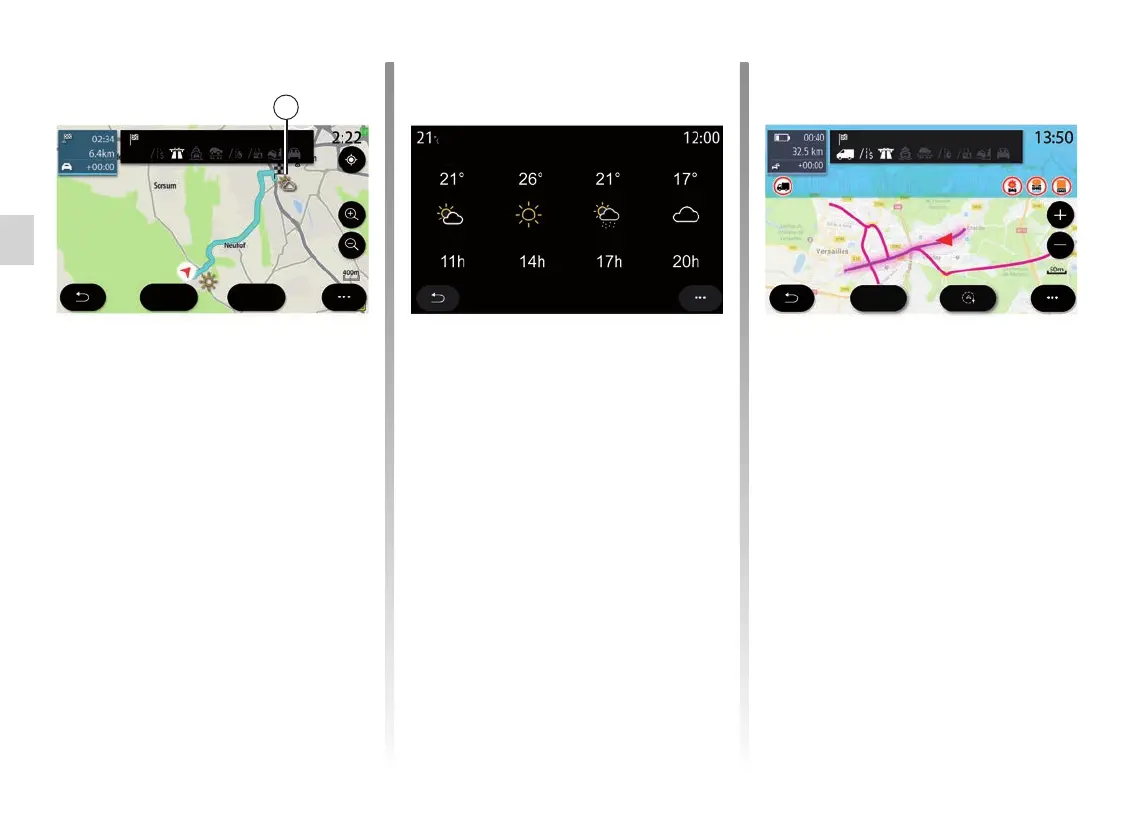
“Weather”
From the pop-up menu, you can acti-
vate or deactivate the weather display
on the map.
The multimedia system informs you of
the weather forecast in the area around
your position, or at the destination if a
route is in progress.
Note: services must be activated in
order to display the weather. Please
see the section entitled “Activating
services”.
Weather
Guyancourt (France)
Press the weather icon 5 to view a
weather forecast over the next few
hours.
This information can also be accessed
from the “Weather” widget.
Go
Visual
feedback
Fast route
Avenue des Champs-Elysées
5
Road restrictions
This function enables you to view the
route restrictions in relation to the guid-
ing lines and your vehicle’s current con-
figuration. Refer to the “Navigation set-
tings” section to set the route restriction
parameters.
Go
Height: 2.50 m
Lorry restriction
Château de Versailles



 To Next Page