2.10
ENG_UD68534_6
Entrer une destination (XNX - Renault)
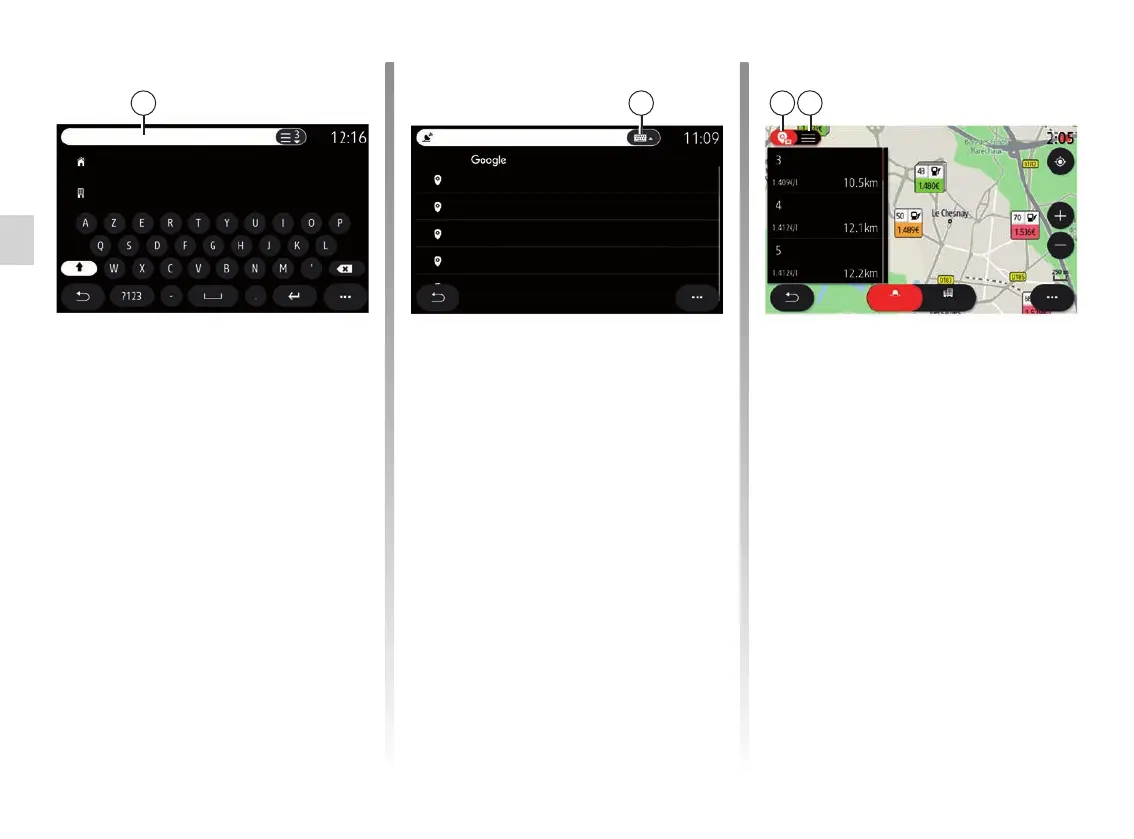
Online Search
Use the Online Search function for a
quick and precise search.
As soon as you enter the first let-
ters in the search field 2, the multime-
dia system suggests a relevant street
name, town or POI (point of interest).
Press the 3 button to view the full list of
suggestions.
Home
Work
2
For example: “Rouen”.
Note: additional information provided
by your multimedia system may vary,
depending on your connection type.
Current pos. In a city
3 4
5
ENTERING A DESTINATION (2/18)
When searching for a Point of Interest
(POI) via the “Navigationˮ menu, you
can display a list 5 of suggestions.
For more information on POI, see
“Points of interest” in this section.
The map display 4 shows the geo-
graphical position for each suggestion.
Rouen Airport, Rue Maryse, France
Rouen Rive Droite, Place Tissot, Rouen, France
Rouen Rive Droite, Place Tissot, Rouen
Rouen-Les-Essarts, Orival, France
Rouen, France
Rouen
SEARCH WITH
Leclerc
Fuel station
Simply Market -...
Auchan Maurep...



 To Next Page