2.14
ENG_UD68534_6
Entrer une destination (XNX - Renault)
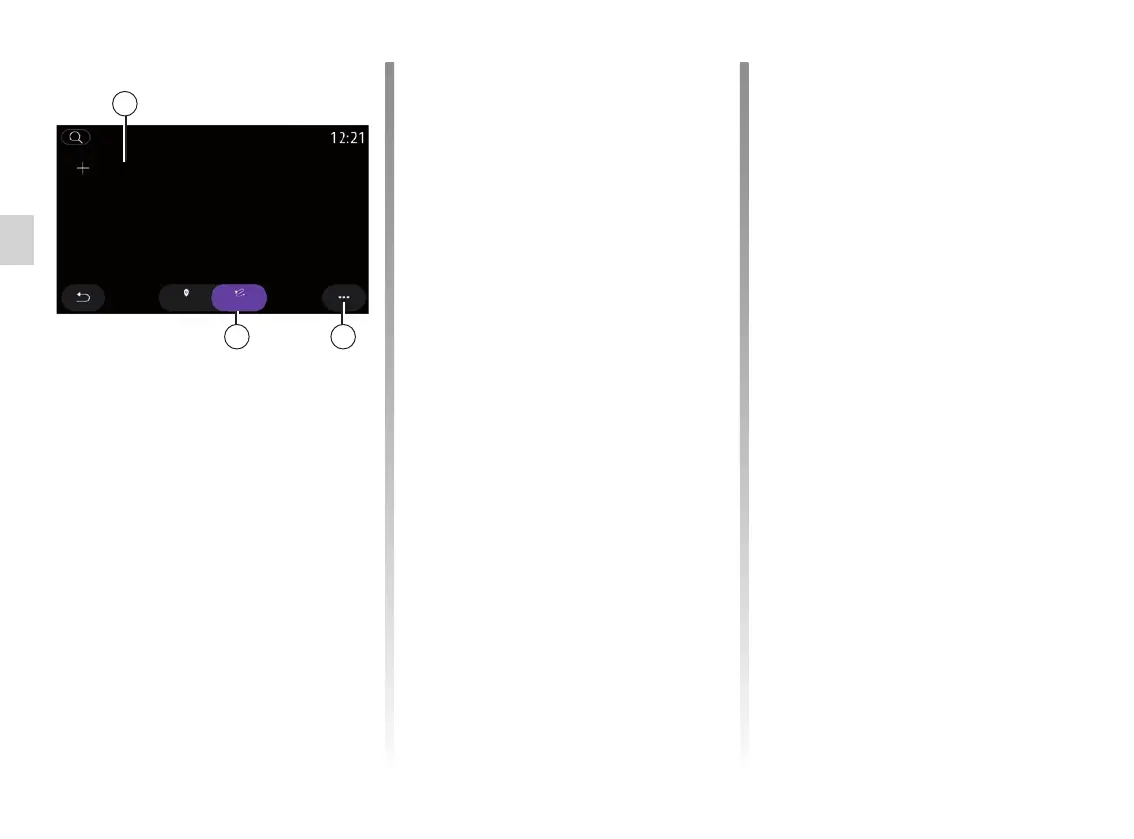
From the “Add new route” tab 21, you
can:
– “Name” to name your new favourite
route;
– “Route” to access the following
search options:
– “Start position”;
– “Add as waypoint”;
– “Last destination used”;
– “Add as destination”.
Following the Add as a stop and “Add
as destination” searches, you have the
following options:
– “Find an address”;
– “Previous destinations”;
– “Points of interest”;
– “Coordinates”;
– “On map”.
ENTERING A DESTINATION (6/18)
Use the pop-up menu 15 to:
– “Edit”:
– “Name” 19 of the favourite;
– “Address” 20 or “Route” of the fa-
vourite, depending on the tab se-
lected.
– Delete (select one or more ad-
dresses);
– “Delete all”;
– “Sort by name”.
From the “Route” tab 22, you can:
– “Add new route”;
– run a route saved in your favourites.
21
22 15
RouteAddress
Favourites
Add new route



 To Next Page