2.16
ENG_UD68534_6
Entrer une destination (XNX - Renault)
ENTERING A DESTINATION (8/18)
“Search by category”
The navigation system suggests sev-
eral POI in the category selected, ac-
cording to the tab selected:
– no route in progress:
– “Nearby”;
– “In a city” (enter town name).
– when a route is in progress:
– “On route”;
– “Destination”;
– “Nearby”;
– “In a city” (enter town name).
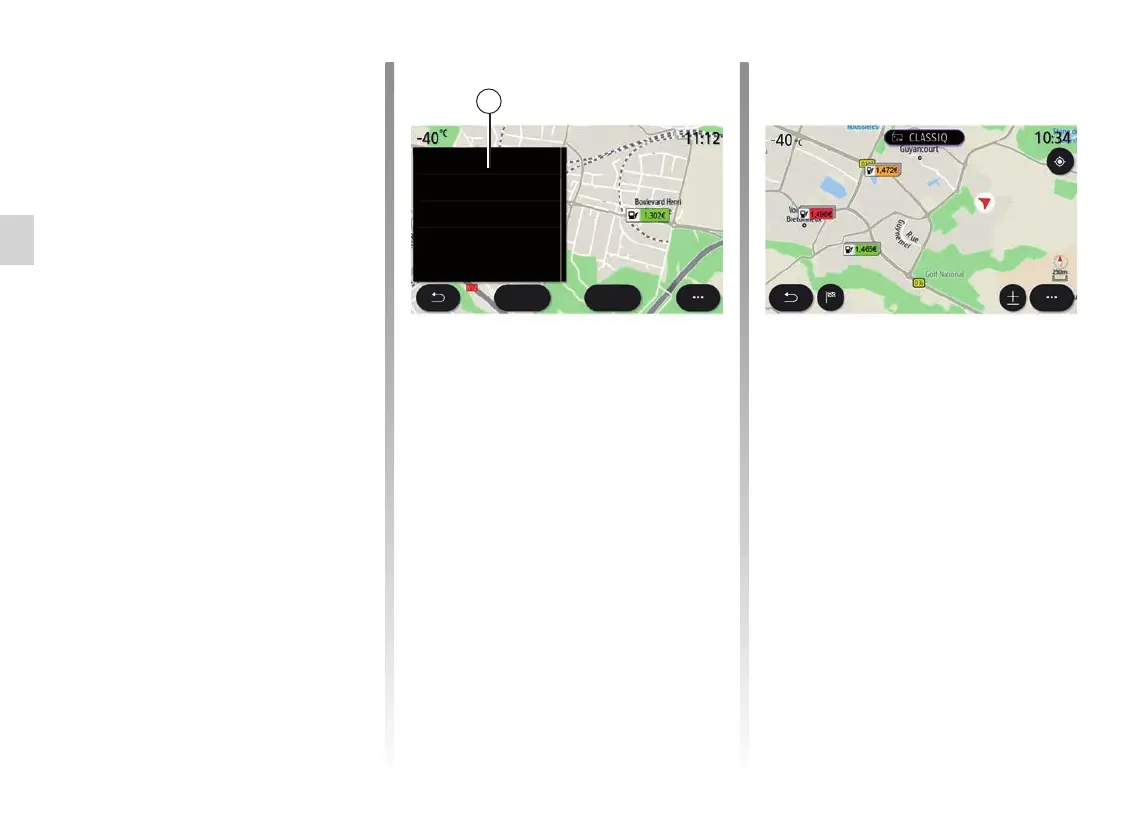
Use the pop-up menu 25 to:
– display “Offline results”:
– “Sort by distance”.
Go
3.5km
E10: 1.302€/l
Update: 07-29-2020-11:07
4, Boulevard Henri Barbusse
-D129, Saint-Cyr-l’Ecole,
78310 FR
Call
From the list 24 you can select POI re-
sults.
Depending on the equipment, the multi-
media system can be used to:
– you can contact certain POI directly
(e.g. to reserve a place or for infor-
mation) by pressing “Callˮ;
– start navigation towards the selected
POI by pressing “Go”;
– preview the destination location
using the display 26.
From the pop-up menu, you can add
the address in your favourites.
26
Fuel prices
The “Fuel station” POI shows the petrol
stations around your position, as well
as the price of fuel for your vehicle.



 To Next Page