2.20
ENG_UD68534_6
Entrer une destination (XNX - Renault)
ENTERING A DESTINATION (12/18)
“Overview”
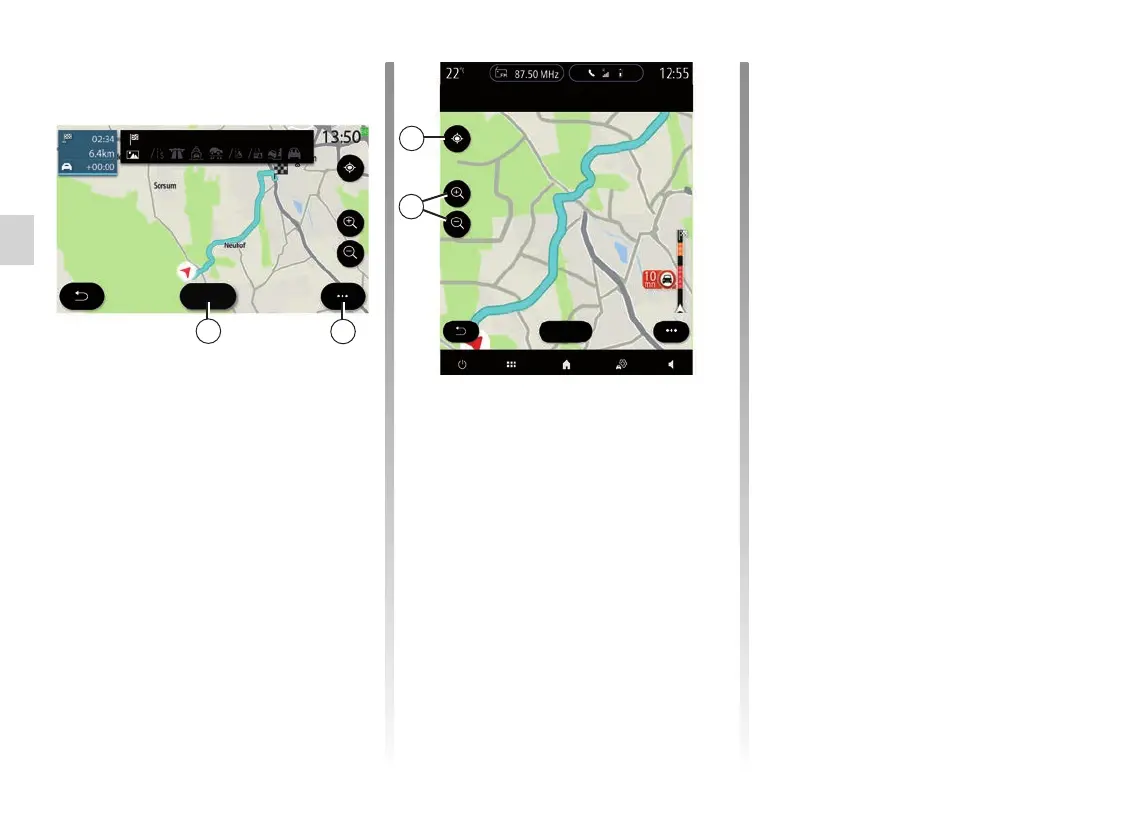
Use this function to view all of your
route on a map.
To use this function, launch navigation
then press on “Route” in the navigation
menu, then “Overview”.
Press the 37 button to cancel the cur-
rent route.
37
36
Cancel
Cancel
Fast route
To explore the map of the route in pro-
gress, move the map by keeping your
finger pressed on a part of the screen,
while dragging it.
Press the zoom in/out buttons 39 to
adjust the map.
To re-centre the map, press the 38 con-
trol.
38
Cancel
The pop-up menu 36 offers the follow-
ing options:
– “Alternative routes”;
– “Route details”;
– “Route simulation”;
– “Save as favourite”;
– “Settings”;
– ...
Note: the functions offered in the
pop-up menu will vary depending on
whether the guidance is activated or
not.
39



 To Next Page