2.34
ENG_UD64186_5
Réglages de navigation (XNX - Renault)
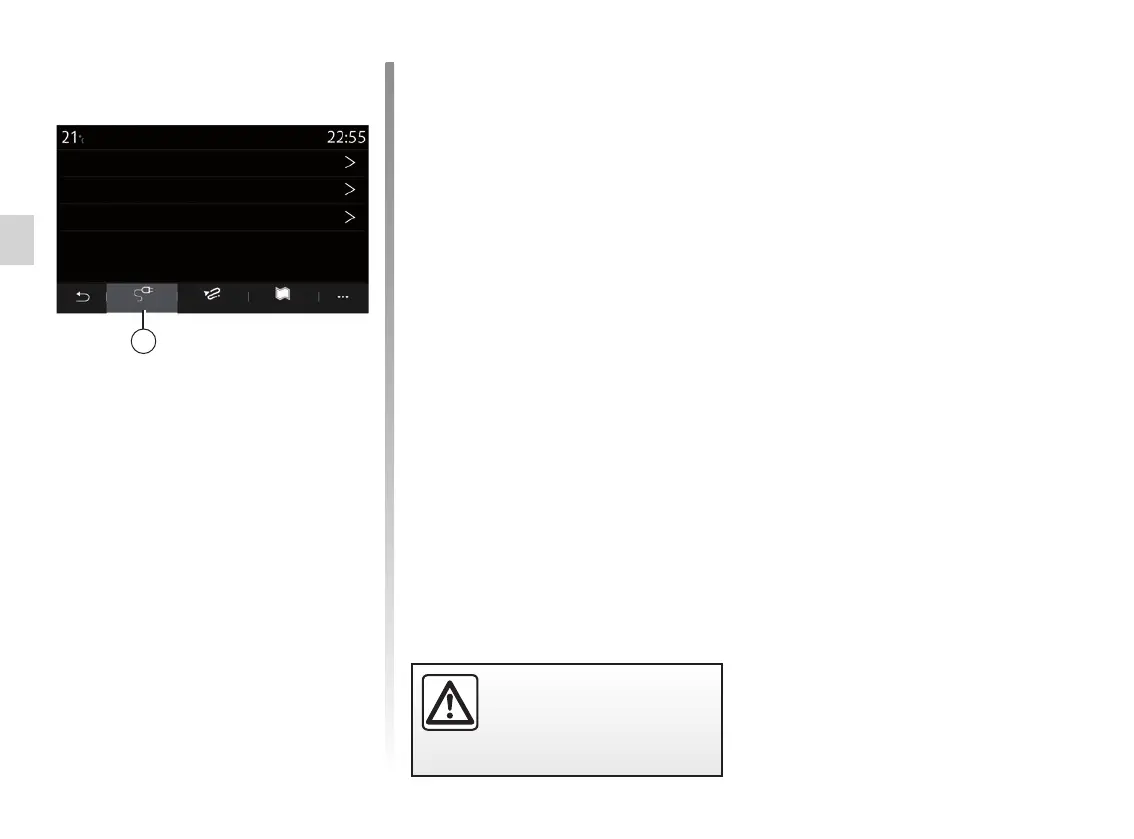
Hybrid vehicle
From the “Hybrid” tab 8, you can config-
ure the settings and warnings related to
hybrid vehicles:
“E-Nav”
This function uses information about
your programmed route to manage the
hybrid vehicle’s electrical energy intel-
ligently by anticipating inclines and traf-
fic jams. It also optimises V.E. driving in
urban areas.
NAVIGATION SETTINGS (6/8)
RouteHybrid
Navigation settings
Charge type
E-Nav
Connector type
Map
8
For safety reasons, carry
out these operations when
the vehicle is stationary.
“Charge type”
Allows you to select the charging sta-
tions which offer, depending on your
selection, a charging mode appropriate
to your needs and to display them on
the map.
“Connector type”
Allows you to select the charging sta-
tions which offer a charging socket
adapted to your vehicle and to display
them on the map.



 To Next Page