2.35
ENG_UD64186_5
Réglages de navigation (XNX - Renault)
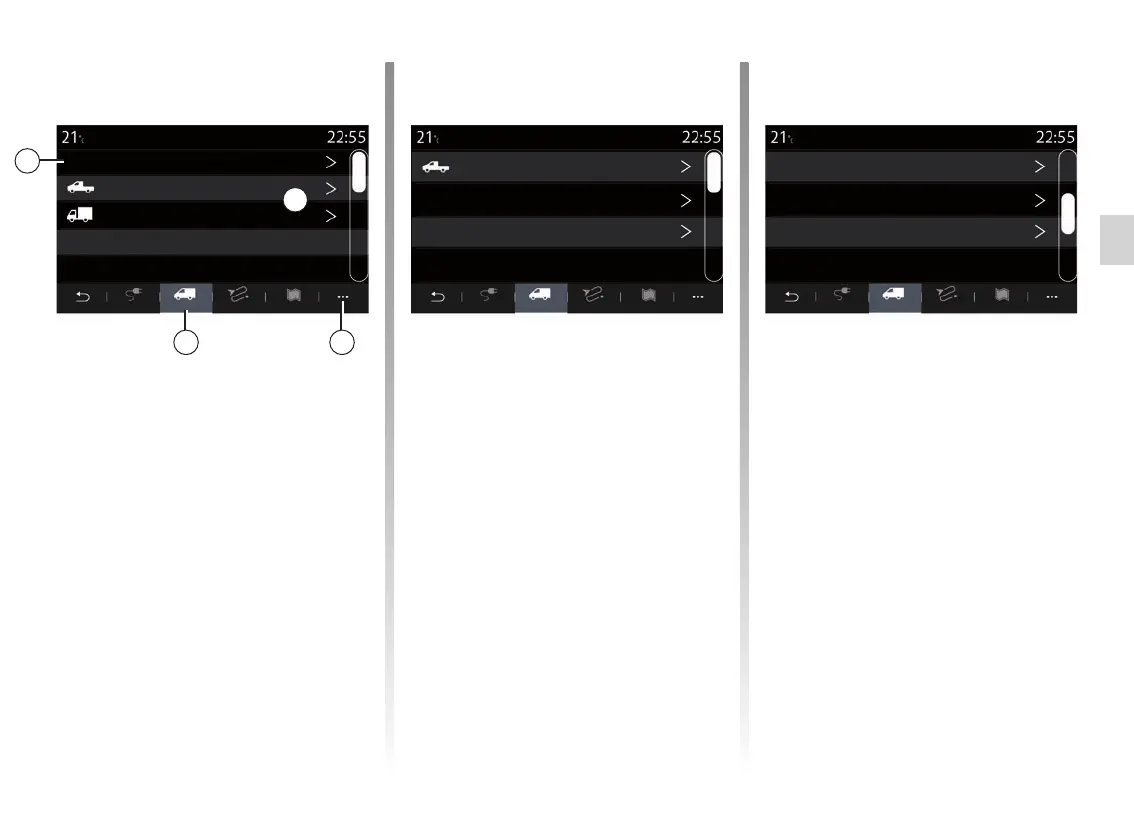
“Vehicle configuration”
Add a new configuration or select a pre-
viously created configuration from the
list, then enter the information related
to the vehicle (trailer included):
– image representing the type of vehi-
cle;
– configuration name;
– total weight;
– total height;
– total length;
– total width;
Commercial vehicle
From the “Restrictions” 12 tab, you can
select and configure the settings and
restrictions relating to commercial ve-
hicles.
“Choice of vehicle configuration” 9
This function allows you to select the
desired configuration from the list 10
previously saved.
From the pop-up menu 11, you can add
or remove configurations.
12 11
NAVIGATION SETTINGS (7/8)
Itinerary. MapZ.E. Restrictions Itinerary. MapZ.E. Restrictions Itinerary. MapZ.E. Restrictions
Current vehicle configuration 1
2. Configuration for vehicle with trailer
1. Configuration for construction site
Configuration for construction site
Weight 1,000 kg
Vehicle type
Height
Length
Width
5,00 m
2,30 m
2,50 m
9
10
Configuration 1 Configuration 1
Navigation settings



 To Next Page