3.8
ENG_UD69791_4
Musique (XNX - Renault)
MUSIC (2/3)
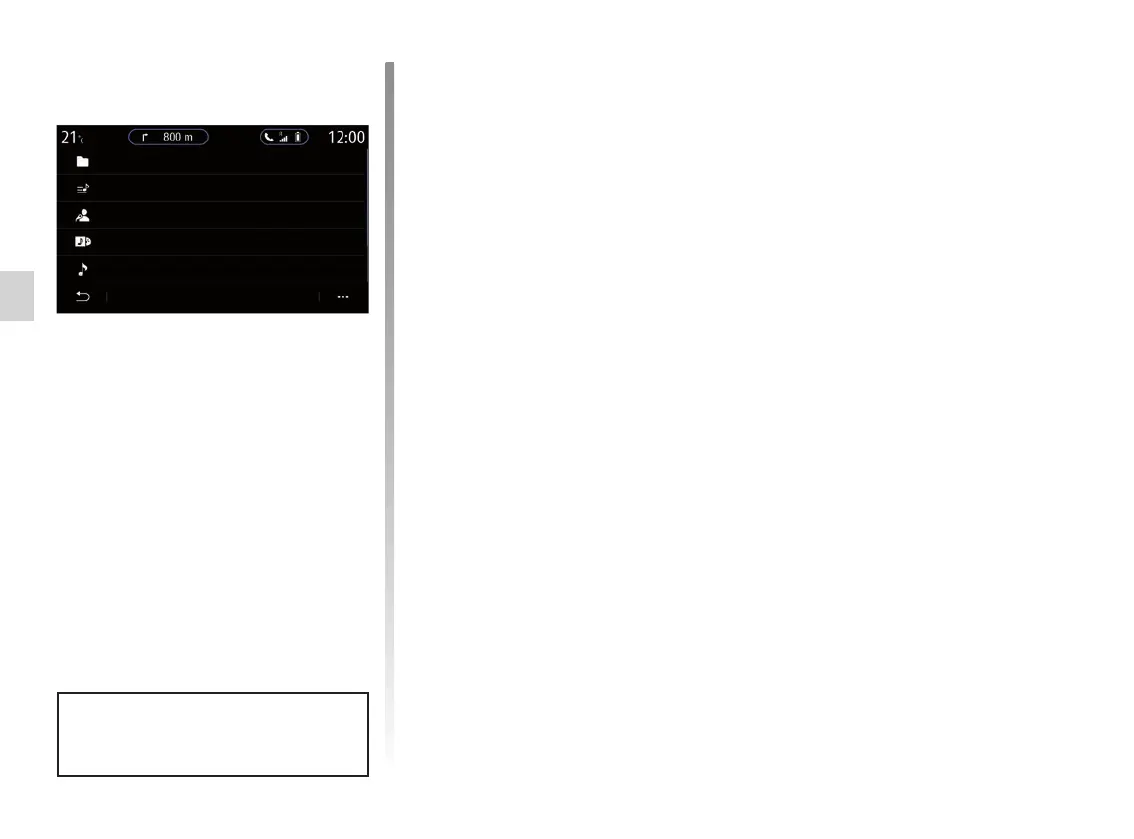
From the Search menu, you access
the playlists classified by category
(Playlists, Artists, Albums, Podcasts).
Note: only available sources can be se-
lected. Unavailable sources won’t be
shown on the screen.
You can sort the playback by cate-
gory (“Playlists”, “Artists”, “Albums”,
“Podcasts”, etc.).
When playing a track, you can:
– access the current playback list 8;
– access the next track by pressing 9
or press and hold to fast forward
through the current track;
– pause by pressing 11;
– access the previous track by press-
ing 12 or press and hold to rewind
the current track;
– view the scroll bar 10 and use it to
select the music.
Note: depending on the input source
connected, the display on the multime-
dia screen will vary.
You can change the music using the
button on the steering column con-
trol.
Folders
Playlists
Artists
Albums
Podcasts
Search



 To Next Page