3.11
ENG_UD69792_4
Photo (XNX - Renault)
PHOTO (2/2)
“Information”
From this menu, you can access photo
information (title, type, access path,
size, resolution).
Note: For more information on compat-
ible photo formats, please consult an
Authorised Dealer.
Select profile
From this menu, you can change the
profile image. Confirm by pressing “OK”
to save your changes.
“Settings”
From this menu, you can access the
slideshow settings:
– change the display time for each
photo in the slideshow;
– active/deactivate animation effect
between each photo in the slide-
show.
Note: the slideshow animation effect is
activated by default.
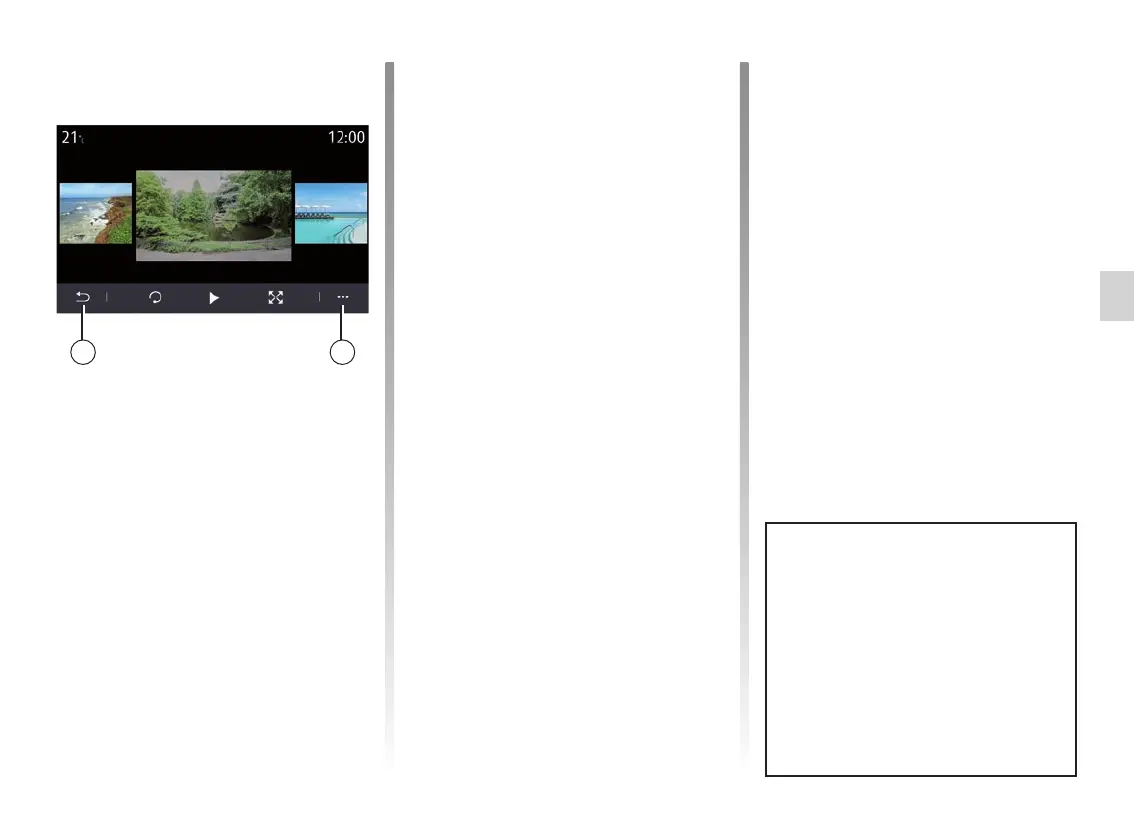
Pop-up menu
From the photo display screen, press 2
to:
– get detailed information of photos
(title, file type, date, path etc.);
– set user profile photo and wallpaper;
– accessing settings
26
Any new USB flash drive inserted is
analysed and its image is stored in
the multimedia system. Depending
on the USB flash drive's capacity,
the multimedia screen can be put
on standby. Wait a few seconds.
Only use USB flash drives that con-
form to the national requirements in
force.



 To Next Page