4.10
ENG_UD61119_2
Appel téléphonique (XNX - Renault)
PHONE CALL (3/3)
During a call
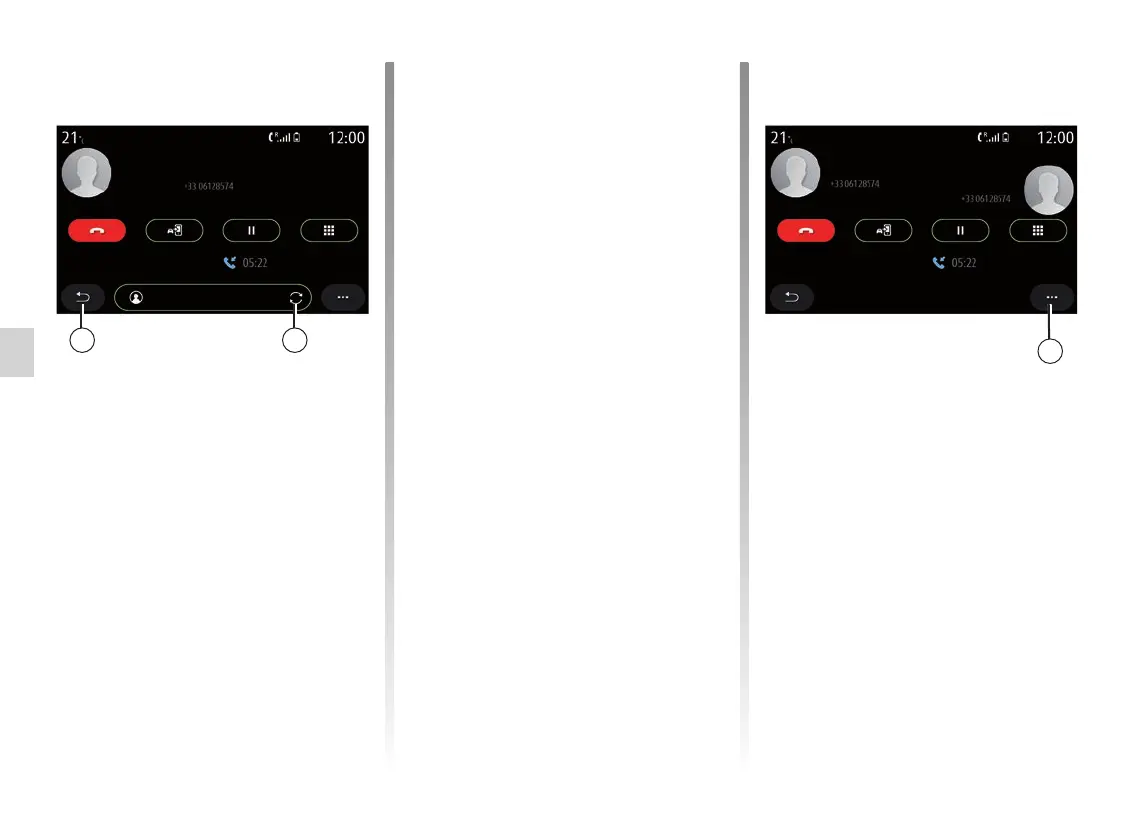
During a call you can:
– adjust the volume using the control
buttons beneath the vehicle's steer-
ing wheel or using the volume but-
tons on the multimedia screen;
– end a call by pressing “End call” 8
or by pressing the 17 button on your
steering wheel;
– place a call on hold by pressing
the 14 key. To resume a call that is
on hold, press the 14 key again;
– transfer the call to the connected
phone by pressing “Transfer to
Phone” 13;
– answer a second call and switch be-
tween two calls by pressing 18;
Note: as soon as you answer the
second incoming call, the first call will
be put on hold automatically.
– press the 15 key to display the
keypad;
– return to the previous menu and the
other functions by pressing 19.
Once your call ends, the multimedia
system allows you to call your caller
back.
Note: during a call, you can receive
a second call but you cannot make a
second call.
Conference call
During a call you have the option of in-
viting the caller who you put on standby
to join the call.
From the pop-up menu 4, press the
“Merge calls” button to activate the con-
ference call.
1819
4
Morgane
Grégory
Elodie
Conference call
Call duration:
Nicolas
Call A
Call B
Call duration:



 To Next Page