Chapter 6
Ventilator Communications
REF 1029568 Rev B BiPAP Focus Ventilator Service Manual © Respironics, Inc. 6-17
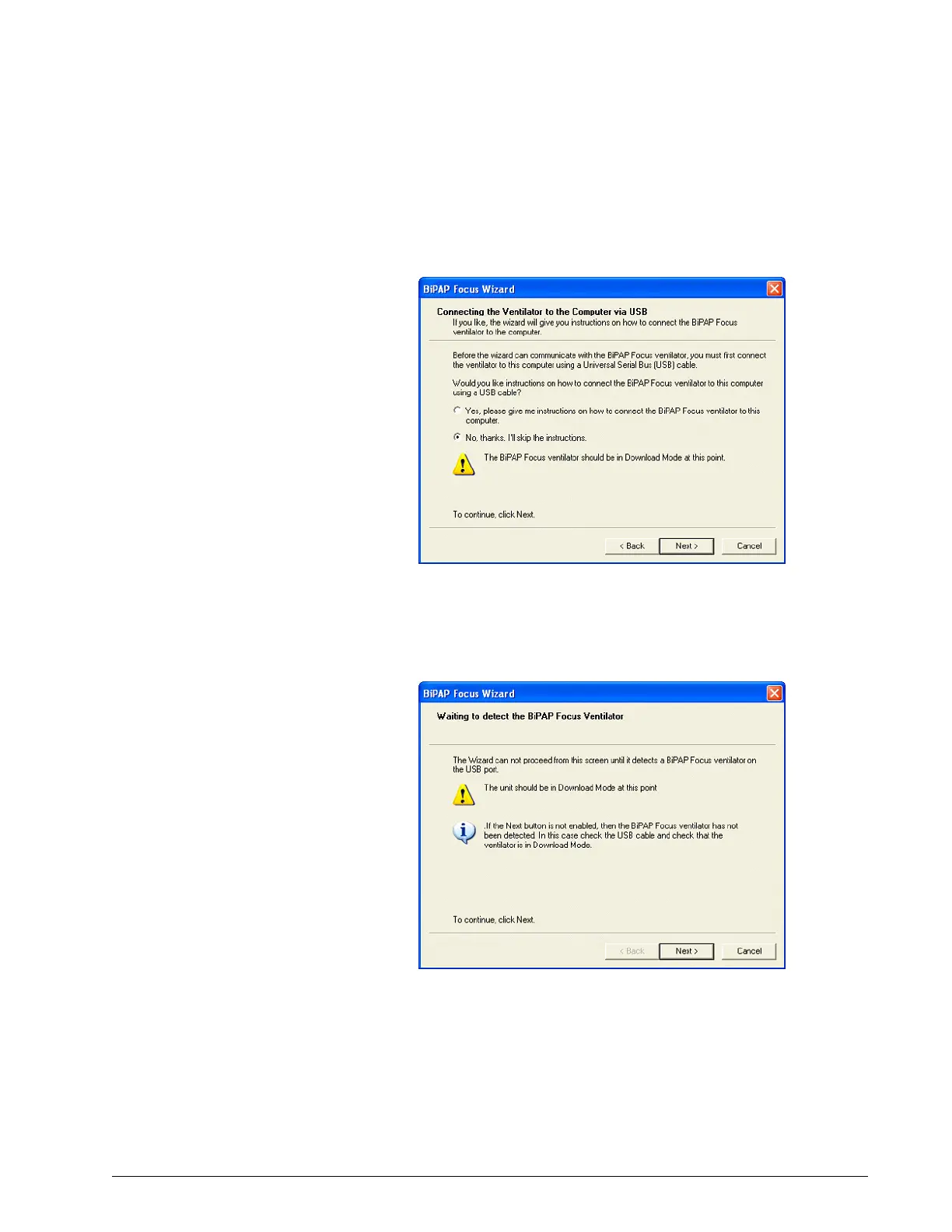
8. The Wizard then offers instructions to connect the ventilator to the
service PC. If the cables are still connected, select No Thanks, I'll skip
the instructions and click Next (Figure 6-30).
Figure 6-30: Option to View Cable Connection Instructions
9. The Wizard verifies that it can communicate with the ventilator. When
the Next button is enabled click Next (Figure 6-31).
Figure 6-31: Detecting Ventilator Connection


 To Next Page