EasyManua.ls Logo

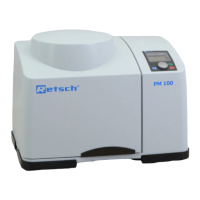
Retsch PM100 - Operating Elements and Displays; Overview Table of the Operating Elements and the Display; Opening the Device

Retsch PM100
64 pages
Print Icon
To Next Page IconTo Next Page
To Previous Page IconTo Previous Page
Loading...
Operating the Device
27
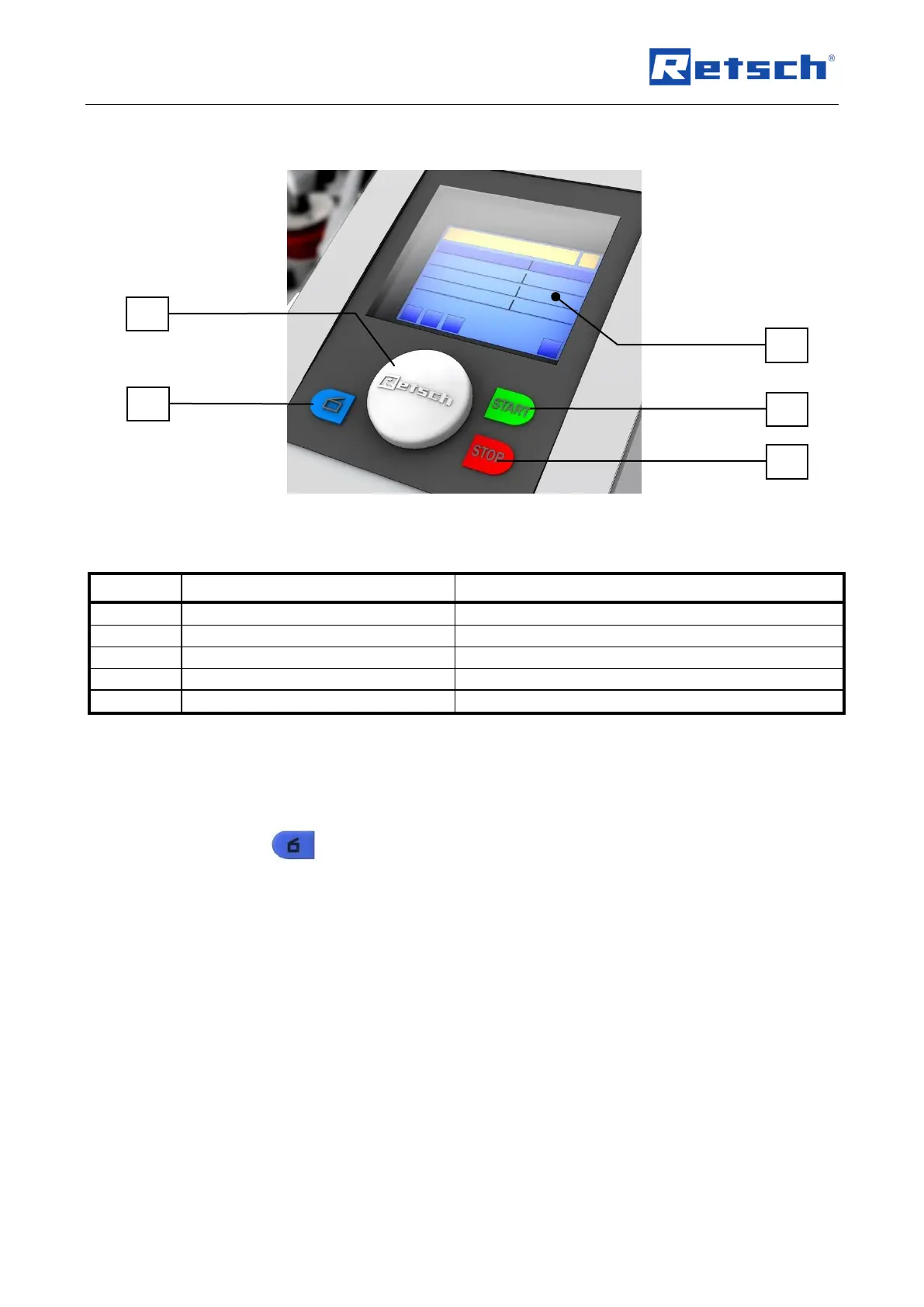
5.3 Operating elements and displays
Fig. 11: View of the control panel
5.4 Overview Table of the Operating Elements and the Display
Element
Description
Function
KR
Control knob (rotary/push button)
Rotary control to operate the device settings
KH
Button to open the cover
Unlocks the cover
KD
Display
Displays the control functions and parameters
KA
START button
Starts grinding
KO
STOP button
Stops grinding
5.5 Opening the device
The following steps are necessary to insert and clamp the grinding jar.
Connect the device to the mains supply.
Switch the main switch on the back on.
Press the button.
The safety lock opens and the lid can be opened
KR
KH
KO
KA
KD

Table of Contents

Other manuals for Retsch PM100

Related product manuals