EasyManua.ls Logo

Retsch PM100 - Menu structure

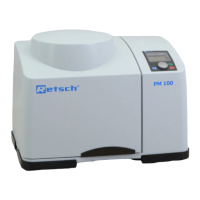
Retsch PM100
64 pages
Print Icon
To Next Page IconTo Next Page
To Previous Page IconTo Previous Page
Loading...
Display and operation
47
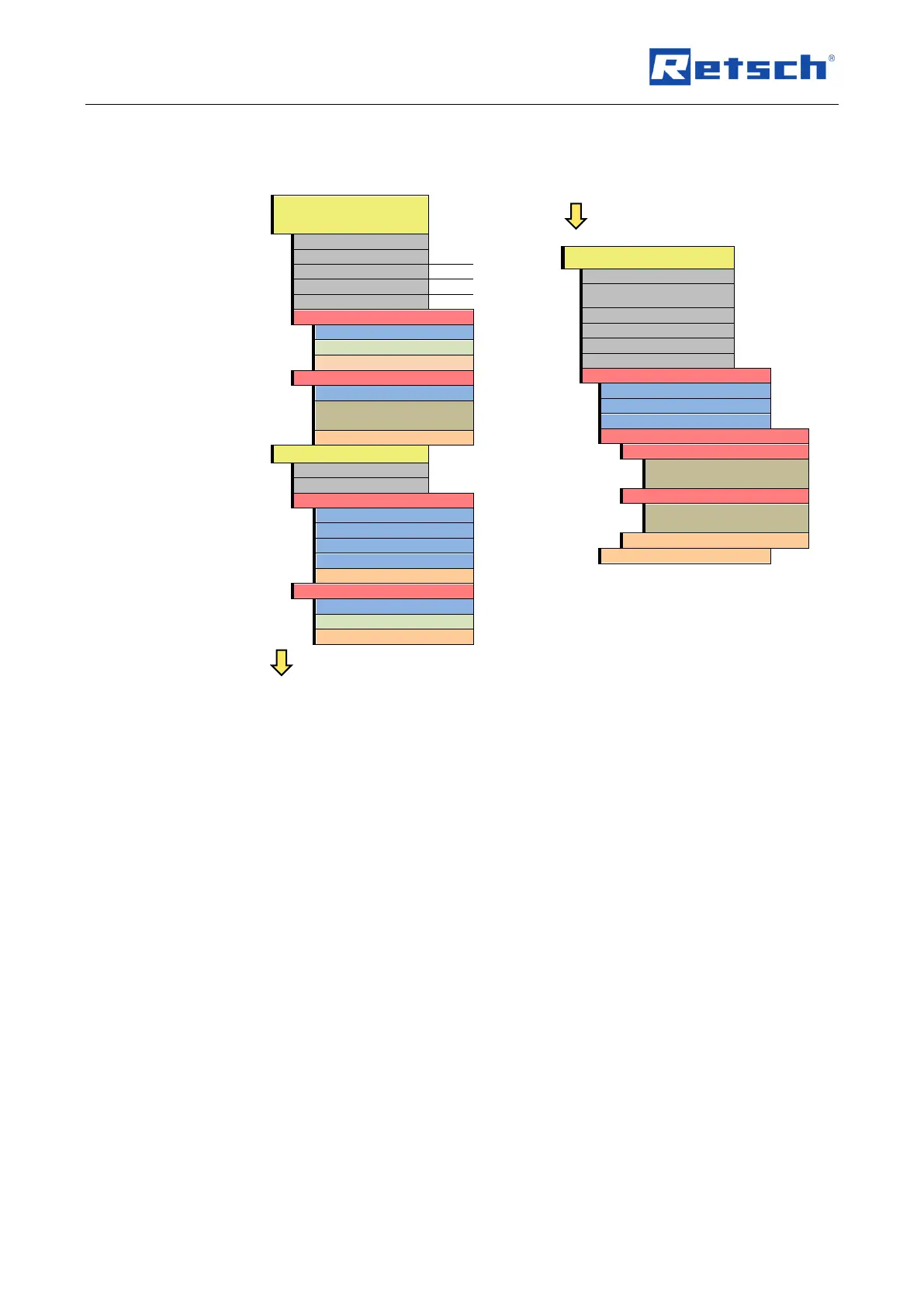
6.4 Menu structure
Complete summary of all menu options:
MANUAL OPERATING
MODE
Grinding time
Speed
Interval
Direction reversal
Pause time
Save parameters
Program
Save
Back
Start in
Start in:
Screen notice:
To cancel press STOP
Back
PROGRAM [01 - 10]
Grinding time
Speed
Change program
Program
Grinding time
Speed
Save
Back
Delete program
Program
Delete
Back
BASIC SETTINGS
Automatic opening
Language
Brightness
Date
Time
Acoustic signal
Service
Operating hours
Software version of display
Software version of controller
Update software
Display
Software update starts
automatically
Controller
Software update starts
automatically
Back
Back
6.5 Operating modes
You can select the following operating modes using the menu navigation (C1):
6.5.1 Manual operation
When this function has been set you can access and change all parameters and functions at
any time. This is also possible during grinding.
6.5.2 Program 01 to 10
In programs 01 to 10 the previously set parameters for grinding time and speed can be saved to
a memory.

Table of Contents

Other manuals for Retsch PM100

Related product manuals