RichAuto S & T Co., Ltd
Add: 5th
floor, No.4 building, No 4. Yard, life Rd, life science park, beiqing St., changping district Beijing, China
Tel:010-53275118 Fax:010-53275110/53275111 Web site:www.richnc.com.cn
8
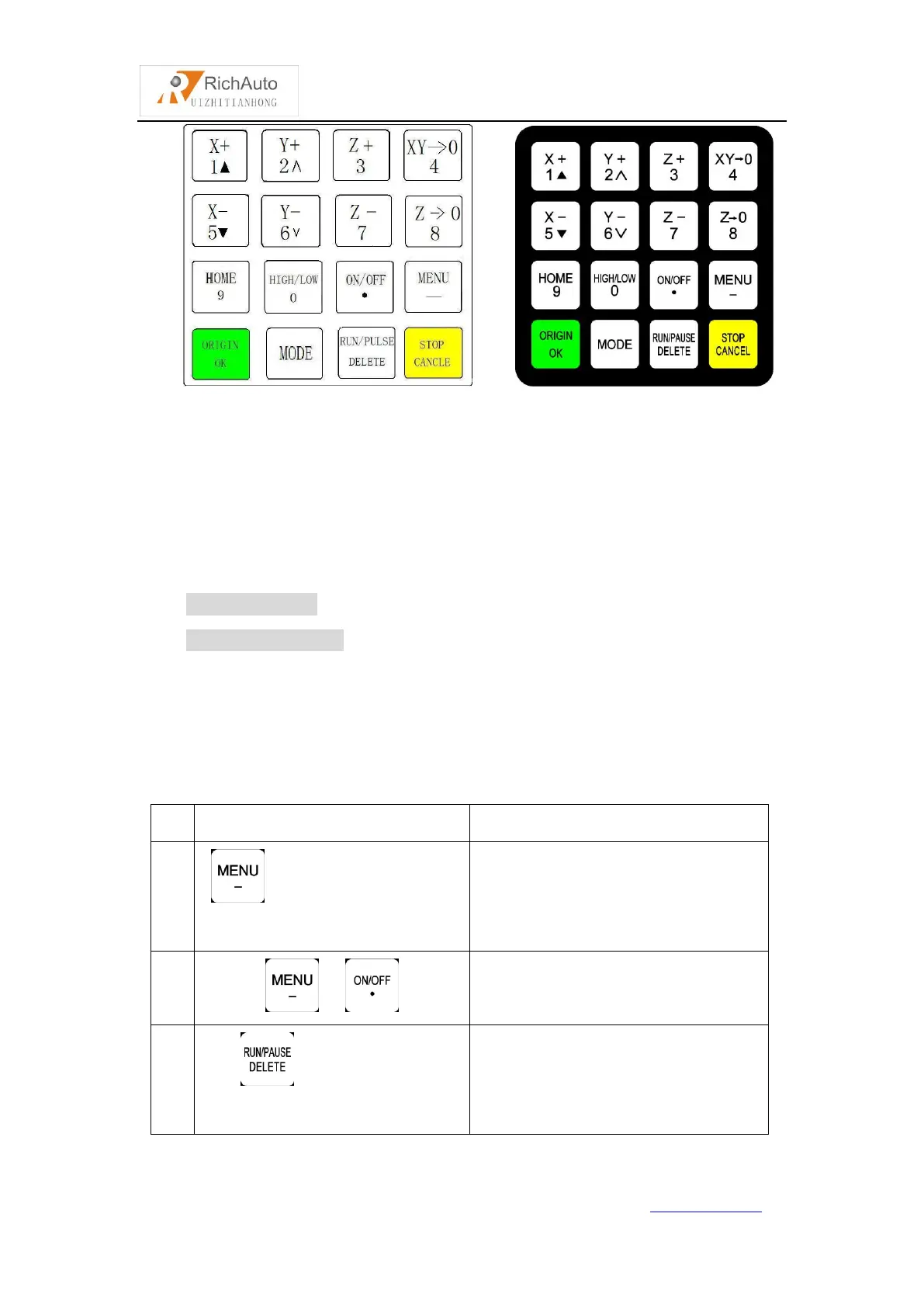
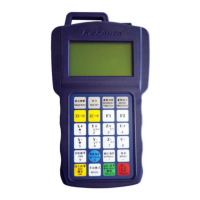
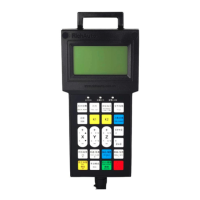
16-button layout buttons picture
2.2 Usage mode
RichAuto motion control system provide two modes of buttons’
operations,including one-touch button & Combination button.
One-touch button:Press one button on handle.
Combination button: Press two buttons at the same time to achieve the
operation;the operation step: press one main function button and meanwhile press a
second accessibility button, and then release the two buttons at the same time to
realize the combination button operation.
List of Combination buttons:
Switch the coordinate system (0 for
the mechanical coordinate system , 1
- 9 for the work coordinate system)
Start Z-axis automatic tool setting
Start the breakpoints processing
(support number 1 - 8)


 To Next Page