RichAuto S & T Co., Ltd
Add: 5th
floor, No.4 building, No 4. Yard, life Rd, life science park, beiqing St., changping district Beijing, China
Tel:010-53275118 Fax:010-53275110/53275111 Web site:www.richnc.com.cn
39
different processing time.
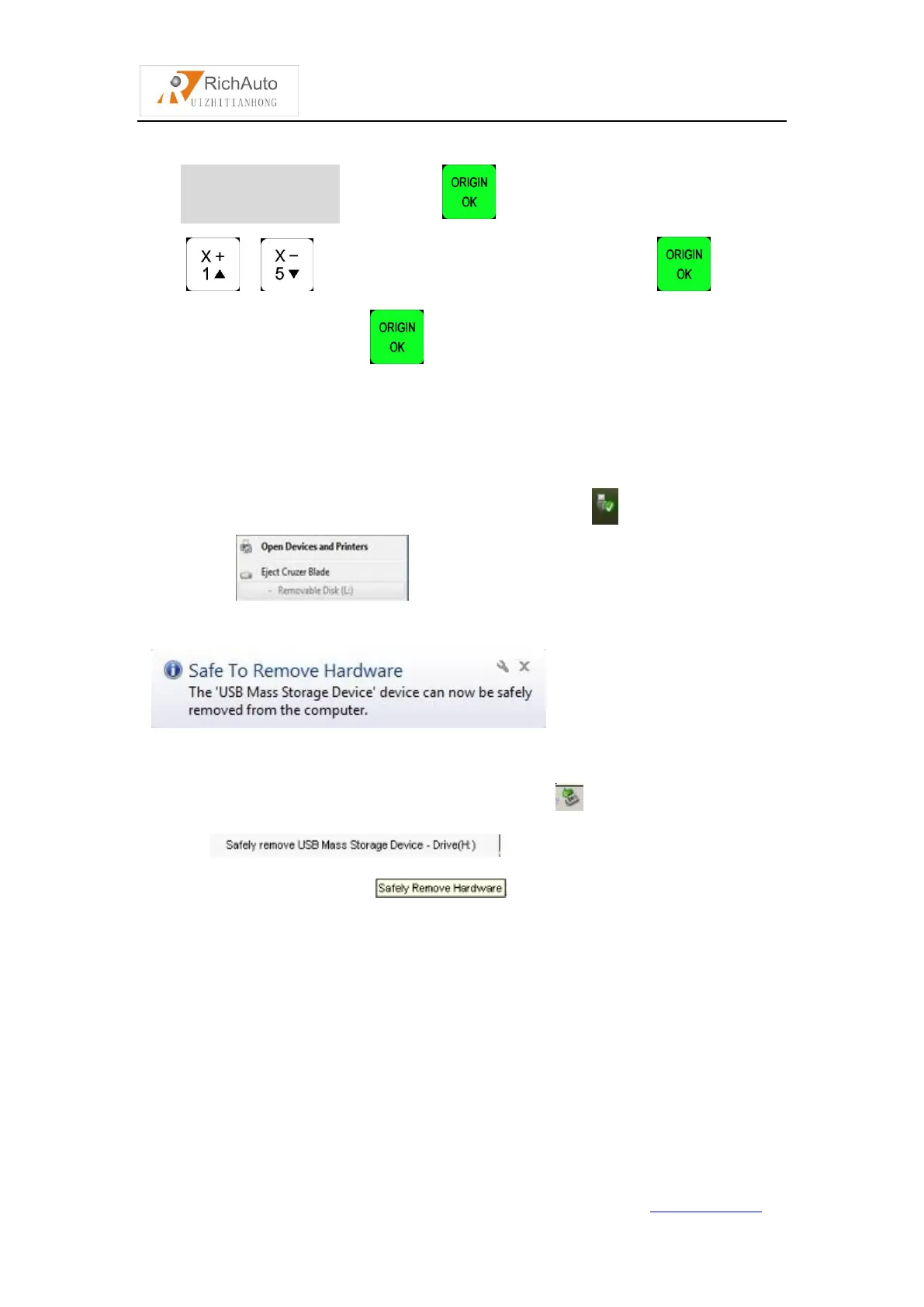
Operation Method : Press “ ”, enter “Check Pro Time” ,
press“ ”/“ ”to select“Udisk/Internal/Recent File”,press“ ”to enter,
and then select the file,press“ ”,after reading G code,the screen will display
the processing time.
PS:Plesae pull out the U disk correctly after copying files from computer,if not,the
controller may not recognize the U disk.
1. Win7(32 bit) system:after copying files,please press“ ”,and then the display
will show “ ”,choose the device to be shut down.when the
display show
“ ”,the U disk pull out from
computer successfully.
2. Win XP system:after copying files,please press“ ”,and then the display will
show “ ”,choose the device to be shut
down.when the display show “ ”,the U disk pull out from computer
successfully.
4.2.5 Version View
Users can view information about the system hardware and software,
including:
Update Version eg:P1.409/rz-xxxx/q10-82
Product ID eg:A0020112
Soft Version eg:A1.1936



 To Next Page