RichAuto S & T Co., Ltd
Add: 5th
floor, No.4 building, No 4. Yard, life Rd, life science park, beiqing St., changping district Beijing, China
Tel:010-53275118 Fax:010-53275110/53275111 Web site:www.richnc.com.cn
38
4.2.4 Operate File
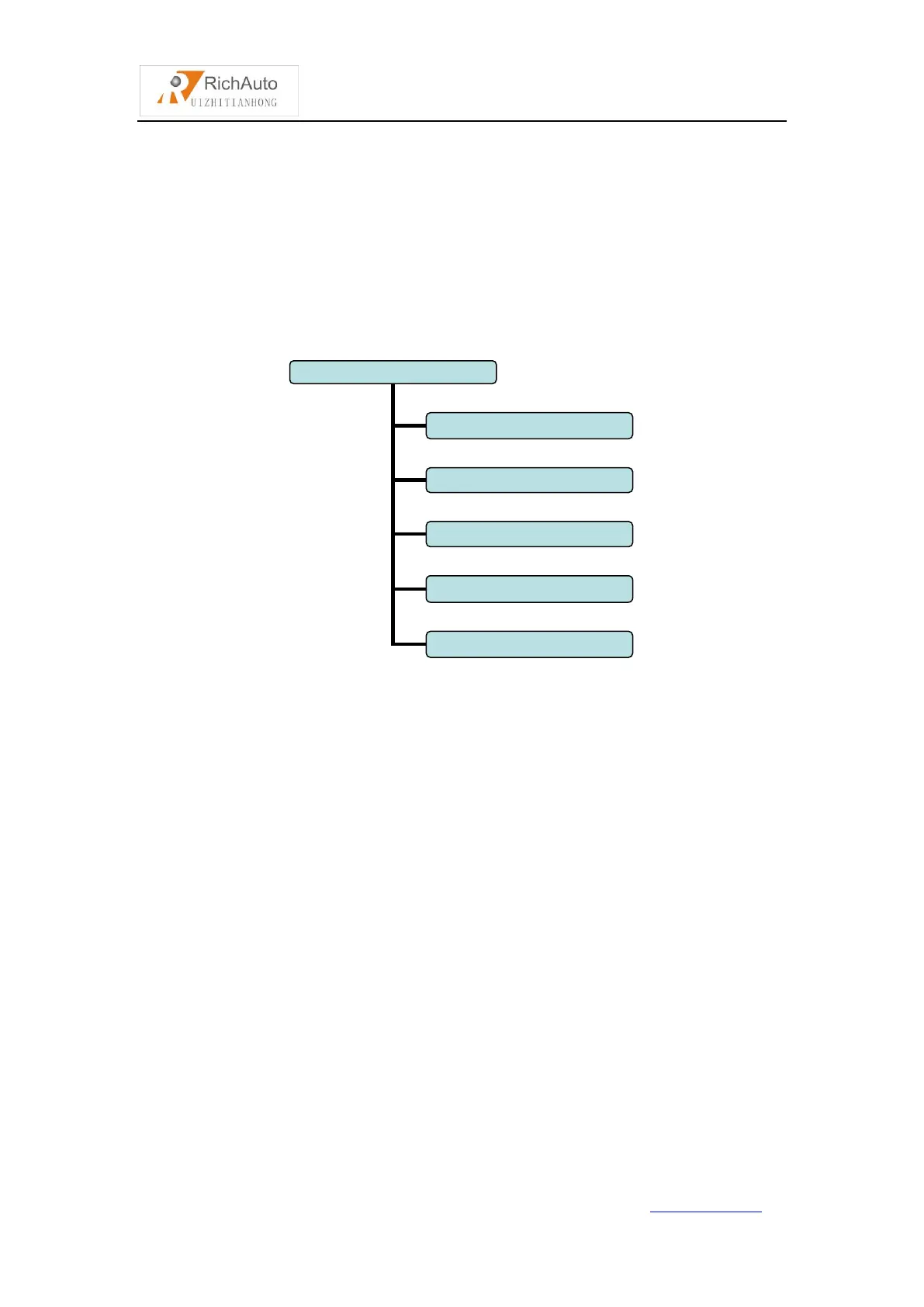
Operate File Chart
1. Copy File:
Copy files from U disk to Inner.
2. Del File(Delete File):
Delete files of inner.
3. View File:
View the files and G codes of U disk or inner.
4. Pro Info(Processing Information):
System power on,it will statistical the times of successful processing by file
name,if system power off,the data will disappear.
5. Check Pro Time(Check Processing Time):
Calculate processing time by system work speed,after reading G code,the
screen will display the processing time,different work speed corresponding to



 To Next Page