RichAuto S & T Co., Ltd
Add: 5th
floor, No.4 building, No 4. Yard, life Rd, life science park, beiqing St., changping district Beijing, China
Tel:010-53275118 Fax:010-53275110/53275111 Web site:www.richnc.com.cn
9
Start advanced processing
To switch gear shaft under manual
mode
Repeat last time processing
Operate machine by entering
coordinates parameters
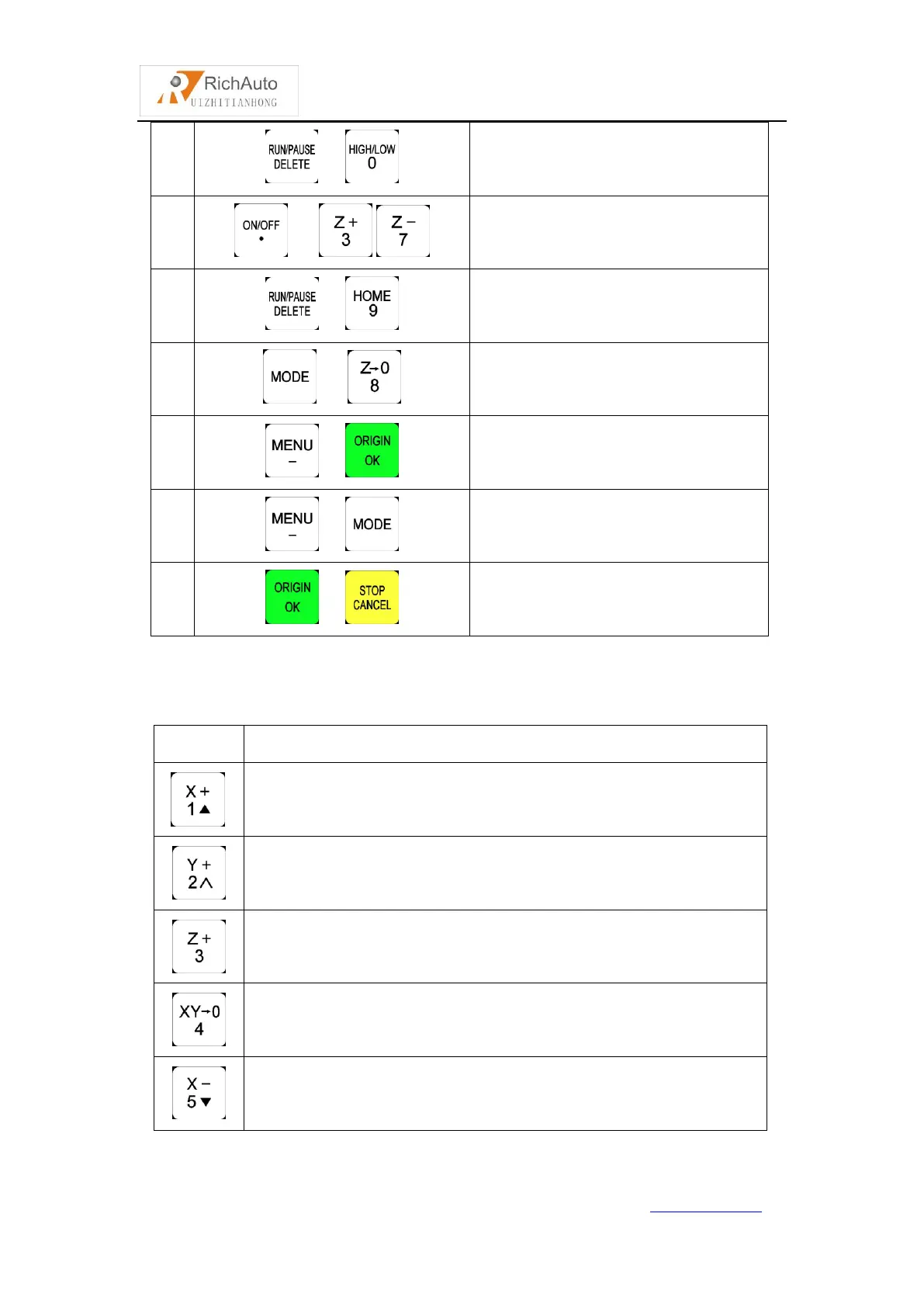
2.3 Detail information for buttons function
Positive movement of X axis, menu upward , figure 1 inputting
Positive movement of Y axis, speed-up processing speed, figure 2
inputting
Positive movement of Z axis, figure 3 inputting, increase spindle
speed during processing
Set X axis and Y axis work origin, figure 4 inputting
Negative movement of X axis, menu downward, figure 5 inputting



 To Next Page