RichAuto S & T Co., Ltd
Add: 5th
floor, No.4 building, No 4. Yard, life Rd, life science park, beiqing St., changping district Beijing, China
Tel:010-53275118 Fax:010-53275110/53275111 Web site:www.richnc.com.cn
49
continue processing from the breakpoint, we can choose the combination
button “ ” + “1-8”. First press “ ” and not release it, at the same
time press number button(1-8), then release together, the system will start
processing from the breakpoint.
For example: You want to start processing from the breakpoint 1, then you
should use the combination button “ ” + “1”, system will restore processing
from breakpoint 1. The screen shows below:
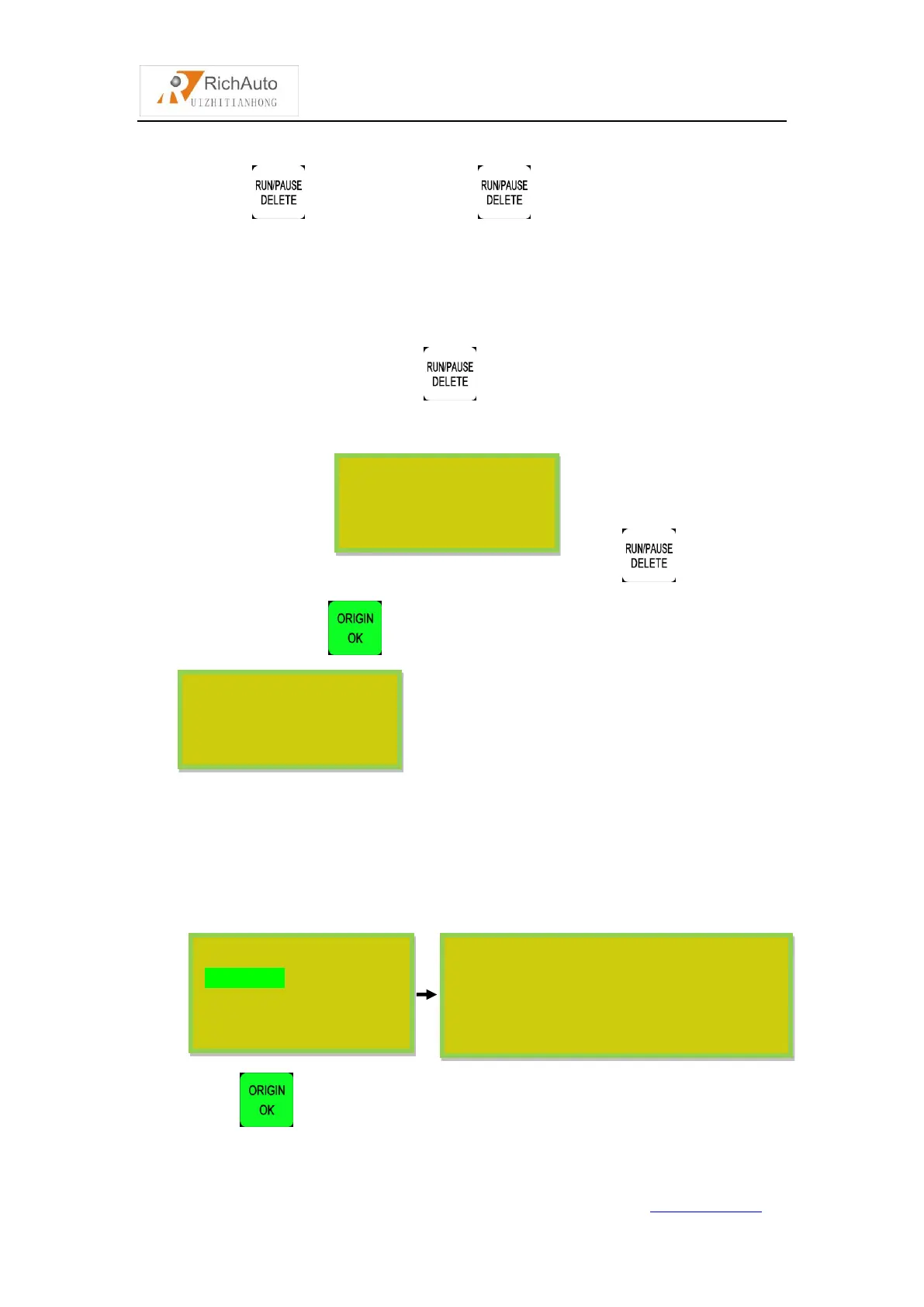
If you want to go backwards from this breakpoint, press “ ”and input the
line No., and then press “ ”, system will work from the new line number.
2) Power off protection
When there is a sudden power failure during processing, system will save
current coordinate and parameters, while power restart, process continue. Before that,
system must have a home motion. Shown as below:
Press “ ” to continue unfinished processing, it will display stop line No,
Input NO:
File has 6705
125
Home Type At Start
All axis home
Z home only
None axis home
Last power off during working, because of inertia the
machine position may be error, do you want to restore
coordinate? It’s recommends not to restore. Press
CANCEL to HOME, OK to restore.



 To Next Page