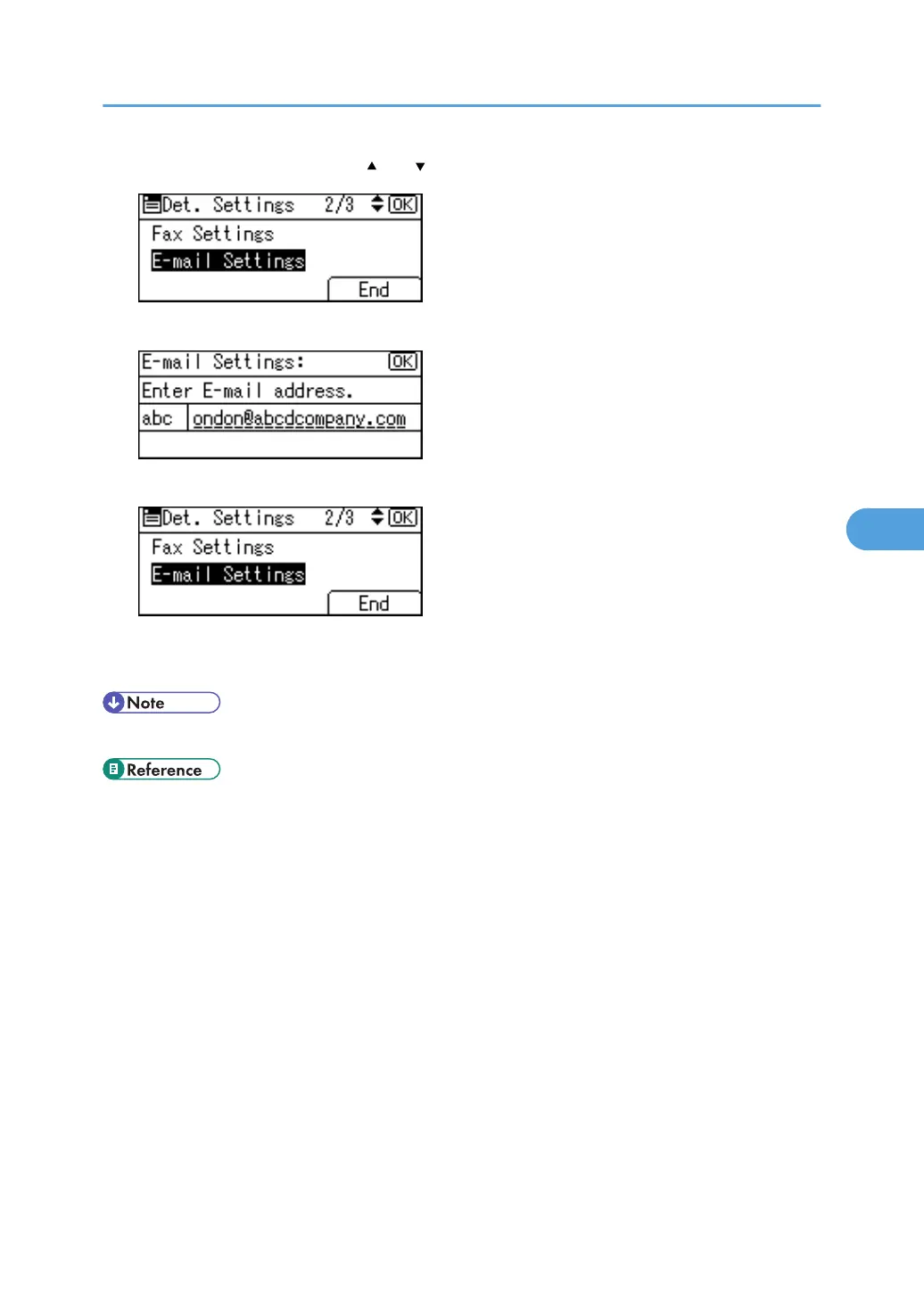
9. Select [E-mail Settings] using [ ] or [ ], and then press the [OK] key.
10. Press the [Clear/Stop] key to delete the mail address, then press the [OK] key.
11. Press [End].
12. Press the [OK] key.
13. Press the [User Tools/Counter] key.
• To delete the name and title, see "Registering Names".
• p.230 "Registering Names"
E-mail Destination
281



 To Next Page
 Loading...










