EasyManua.ls Logo

Riedel Bolero - Page 73

Riedel Bolero
84 pages
Print Icon
To Next Page IconTo Next Page
To Previous Page IconTo Previous Page
Loading...
73
Bolero User Manual A20
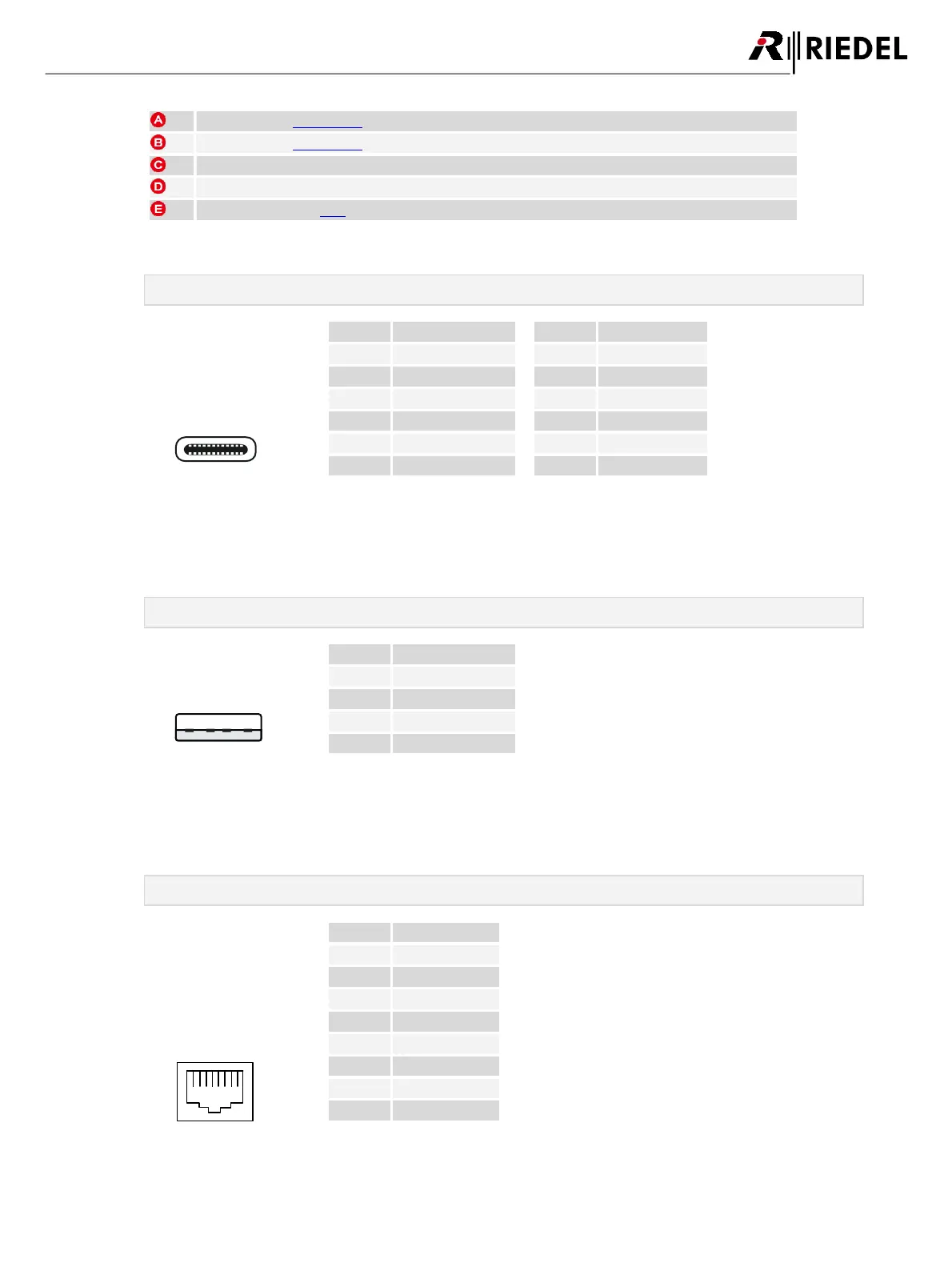
USB connector (USB Type-C)
USB connector (USB Type-A)
5× charging slots for Batteries or Beltpacks
IEC mains connector
Network connector (RJ45)
USB Type-C
A1 A12
B12 B1
Pin
Description
Pin
Description
1
GND
7
Dn1
2
SSTXp1
8
SBU1
3
SSTXn1
9
VBUS
4
VBUS
10
SSRXn2
5
CC1
11
SSRXp2
6
Dp1
12
GND
Figure 100: USB Type-C
The USB connector is used to update the firmware and to charge an additional Bolero Beltpack or any other
USB device. The maximum output current is 1.5 A.
USB Type-A
4321
Pin
Description
1
VBUS
2
D-
3
D+
4
GND
Figure 101: USB Type-A
The USB connector is used to update the firmware and to charge an additional Bolero Beltpack or any other
USB device. The maximum output current is 1.5 A.
RJ45
1 8
Pin
Description
1
D1+
2
D1-
3
D2+
4
D3+
5
D3-
6
D2-
7
D4+
8
D4-
Figure 102: RJ45
The RJ45 port supports links up to 100 Mbps.