Getting Started with your Progeny Analyzer 16
1006232_RevD
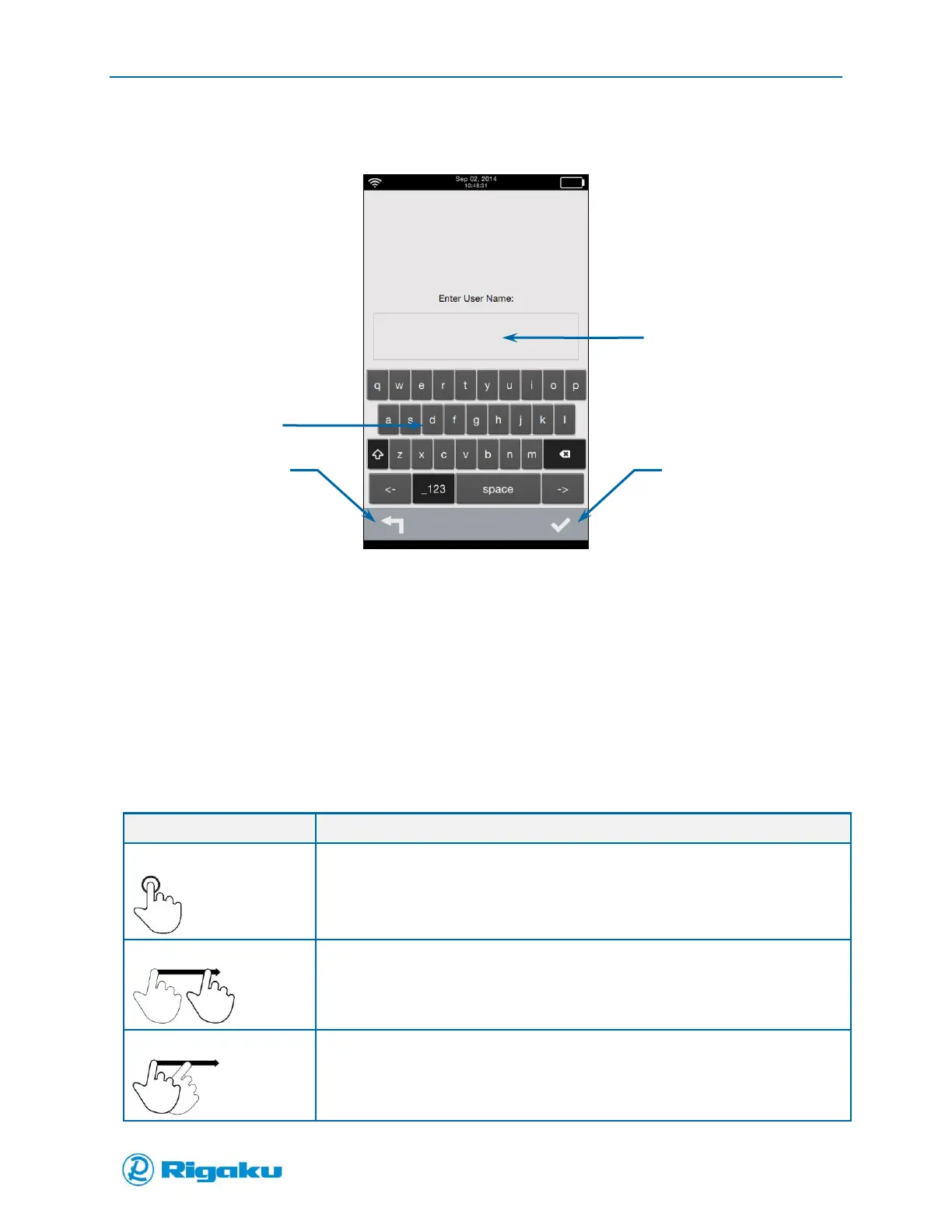
For information about logging in with a secure login, see “Logging In without the Users List.”
Figure 8. Enter User Name Screen
Using Instrument Controls
Progeny Analyzers have a touchscreen, virtual keyboard and keypad for navigating, viewing data,
entering information, and scanning samples.
Using the Touchscreen
The touchscreen provides access to features, applications, and – depending on permission level –
instrument configuration settings. The following gestures are available:
Select and start on-screen controls or menu items.
Select soft keys.
Select letters from the virtual keyboard to enter information.
Scroll slowly through screen content or from one screen to other related screens.
Scroll quickly through screen content or from one screen to other related screens.



 To Next Page