Operating Progeny Analyzers 25
1006232_RevD
Performance Verification
It is good practice to include Performance Verification as part of the daily performance qualification
prior to running any applications.
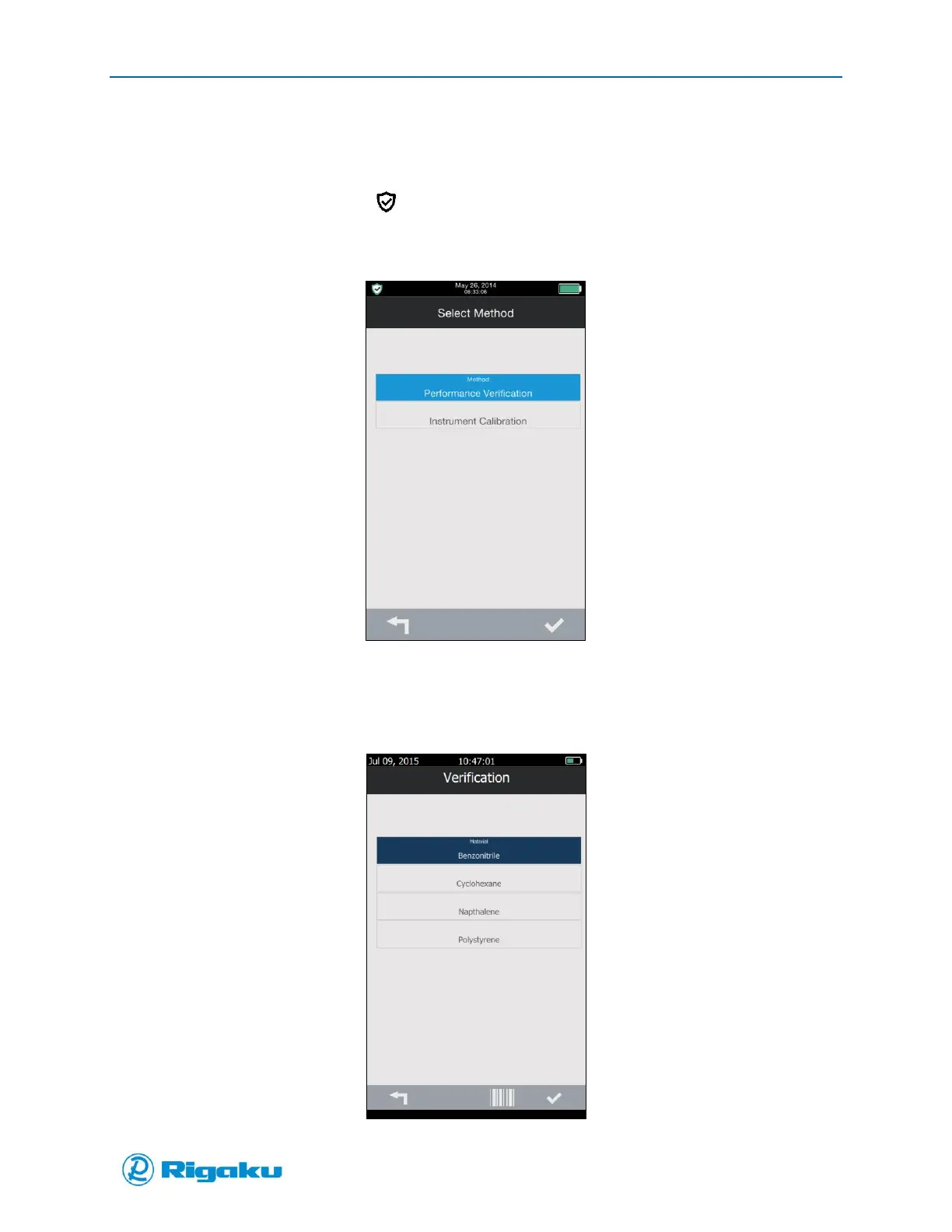
1. From the Main screen, select (Calibration) from the left of the action bar to display the
Select Method screen with the calibration options (Figure 11).
Figure 11. Select Method Screen for Calibration
2. Select Performance Verification to display the Verification screen with a list of the RAD-
supplied calibration samples (Figure 12a).
Figure 12a. Verification Screen with RAD Sample List



 To Next Page