Advanced Options 51
1006232_RevD
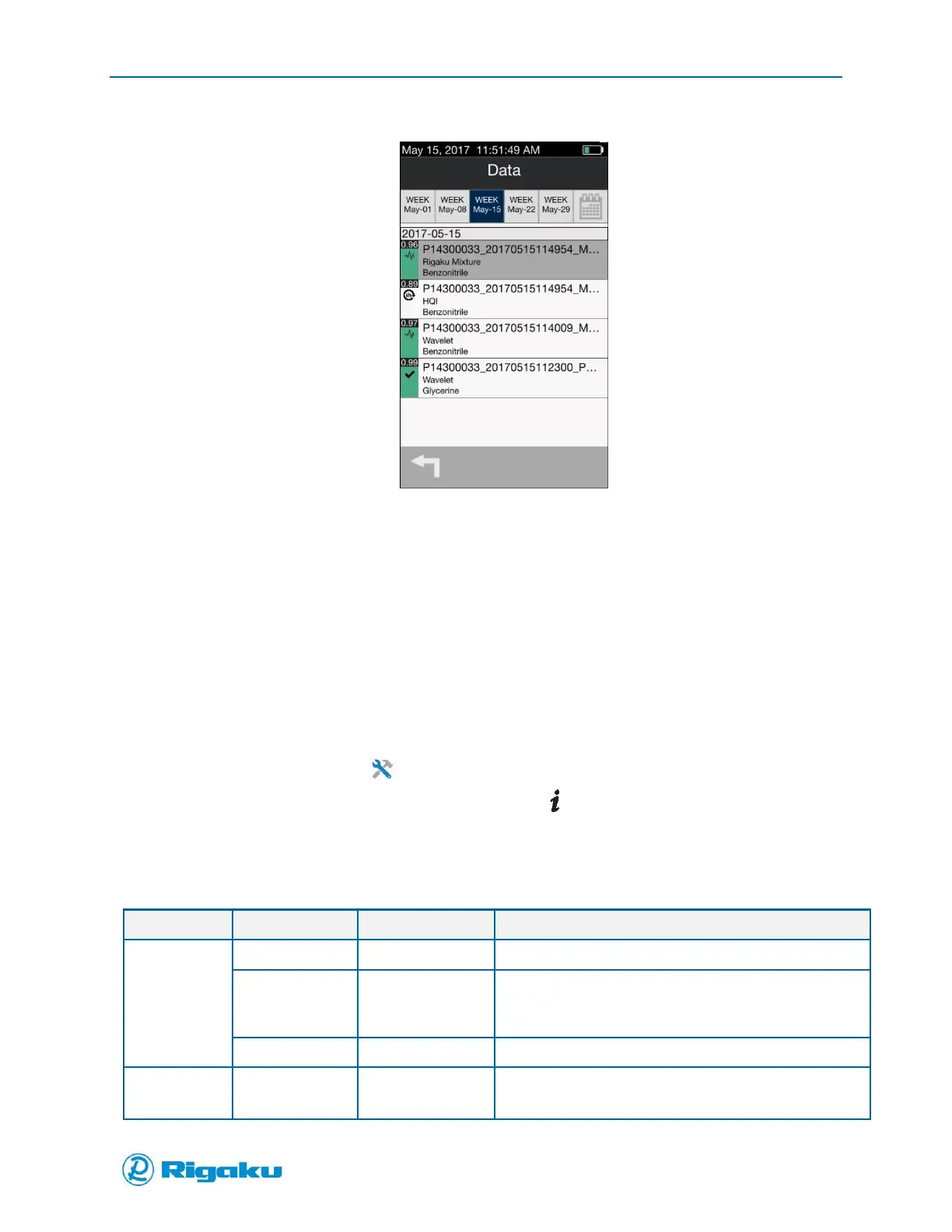
Figure 27b. Results list containing a Search Again result
Viewing Diagnostics and Information
Operational diagnostics and instrument-specific information are available from the Instrument Settings
screen, and includes the instrument’s operating parameters and information that may be needed for
troubleshooting.
Viewing Instrument and Status Information
To simplify maintenance, setup, and troubleshooting, Information provides instrument-specific data on
available storage memory, current calibration and verification status, and general instrument hardware
and software features.
1. From the Main screen select (Settings) to display the Instrument Settings screen.
2. From the list of Instrument Settings categories, select (Information) to display the
Information screen showing the instrument-specific information as described below.
Table 3. Information Screen Drop-Down Data Items
Lists the model number of your Progeny Analyzer.
Lists the serial number of your instrument. Format starts
with “SN” followed by an eight-digit, alpha-numeric
serial number.
Lists the 1064nm frequency of your instrument’s laser.
Lists the version number of your Progeny software.



 To Next Page