Configuring Progeny Analyzers 77
1006232_RevD
4. Select the text entry box and use the virtual keyboard to enter the User’s name.
User names must be between 6 - 36 characters long.
No spaces or special characters are allowed.
When the user name fits instrument requirements, (Enter) replaces (Invalid).
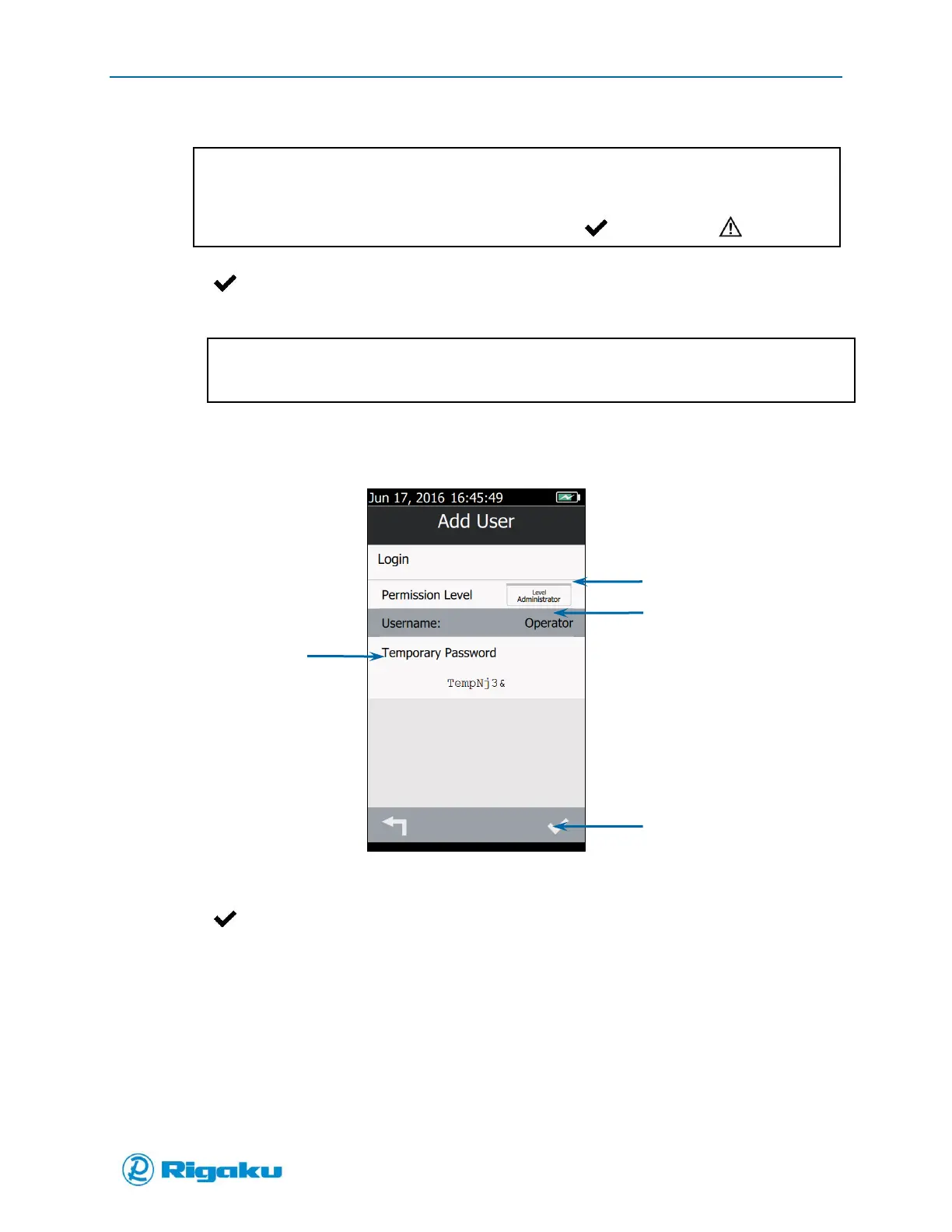
5. Select (Enter) to display the Permission Level, User name and a temporary password (Figure
45).
If the user name you enter is the same as a current or locked user name, the instrument will show
you a warning that duplicate user names are not valid.
Figure 45. Completed Add User Screen
6. Send the Temporary Password to the user.
7. Select (Enter).
Viewing User Accounts
1. From the Users screen, select a User name to display their account information (Figure 46).



 To Next Page