Sync Results to Personal Computer 90
1006232_RevD
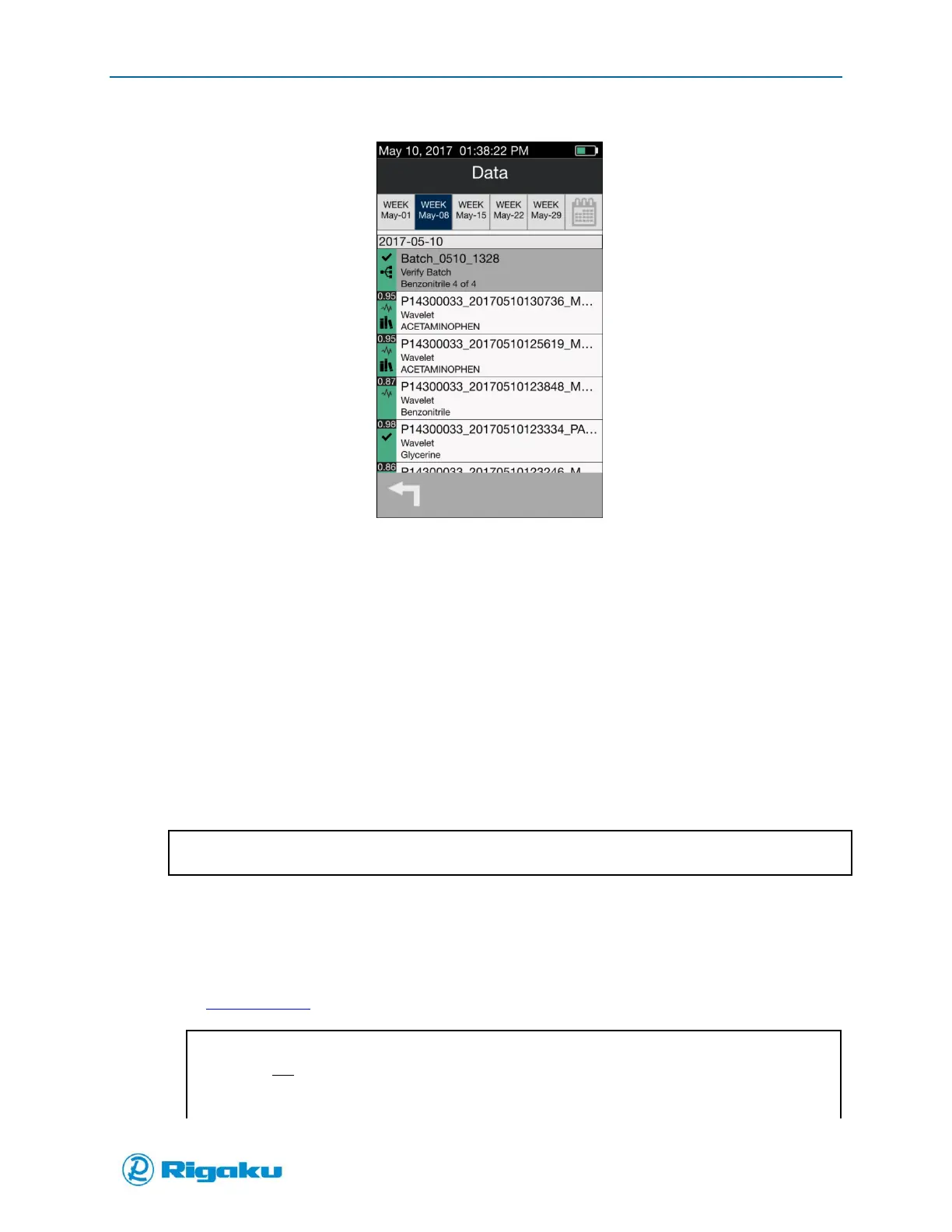
Figure 60. Batch Summary Complete
Sync Results to Personal Computer
Result files can be copied manually to a personal computer (PC) or automatically using the RigakuSync
PC application, via USB or Wi-Fi connection
The PC requirements are:
Operating System: Windows XP, Windows 7, Windows 8.x or Windows 10
USB port –or– Wi-Fi connection
Compatible Web Browsers: Explorer, Chrome, Firefox
A broadband connection is not necessary for connection.
Progeny to PC Configuration via USB connection
1. Connect Progeny to USB port on PC with provided mini-USB to USB cable.
2. Wait for PC to recognize the new USB connection (USB Ethernet-RNDIS Gadget).
3. Type http://Progeny or IP address into your browser.
Do not include WWW prefix.
Progeny only supports one connection at a time.
If the Progeny address does not connect, please try alternative addresses.



 To Next Page