Batch Collection 89
1006232_RevD
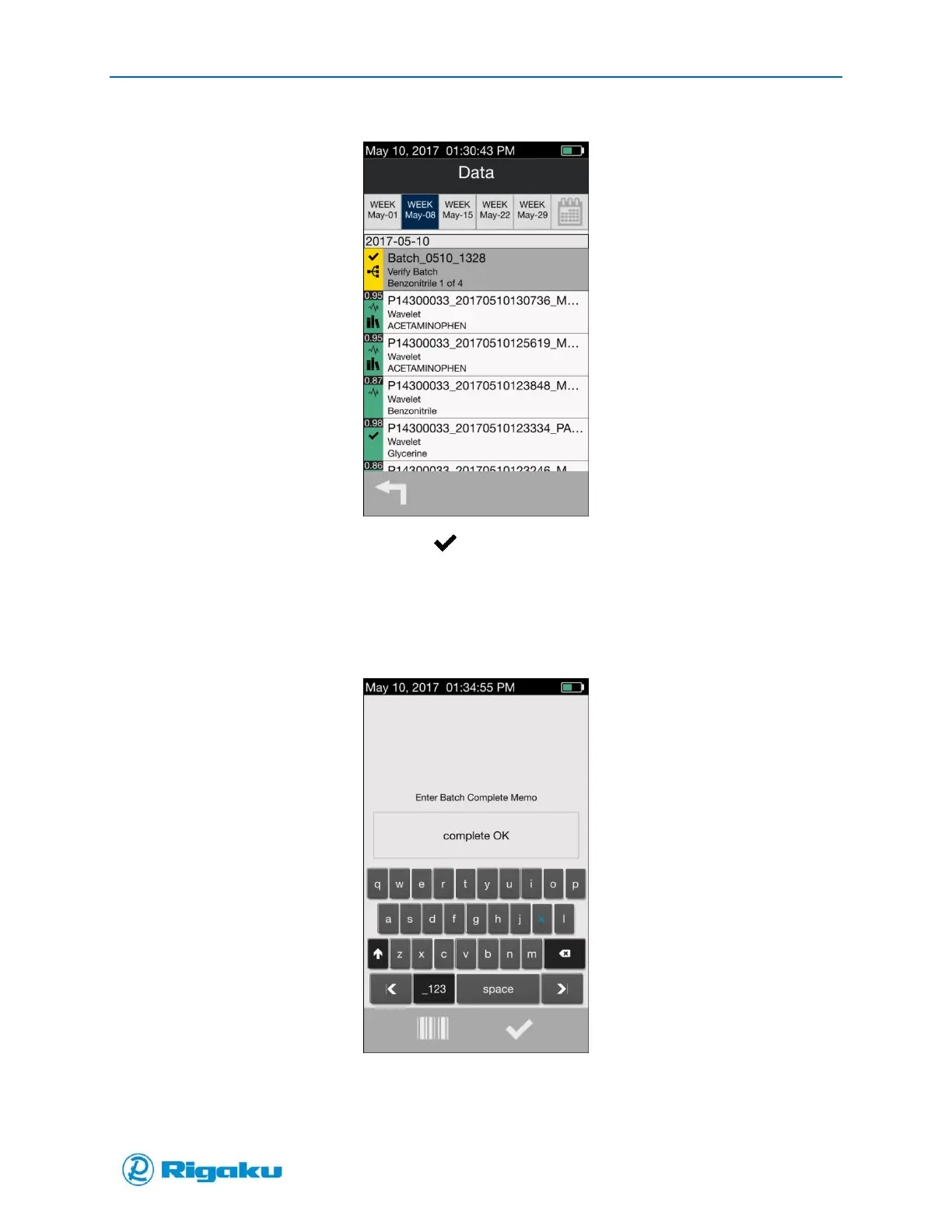
Figure 59a. Batch Summary Incomplete
Highlight the incomplete Batch and select (Enter).
Note: Using either option returns user to Scan Mode.
1. Continue Batch collection
2. Upon completion, if desired, add a Batch Complete Memo (Figure 59b)
Fixure 59b. Batch Complete Memo
3. When done the Results screen displays a summary of the information and the Batch indicator is
green (Figure 60).



 To Next Page