Advanced Options 64
1006232_RevD
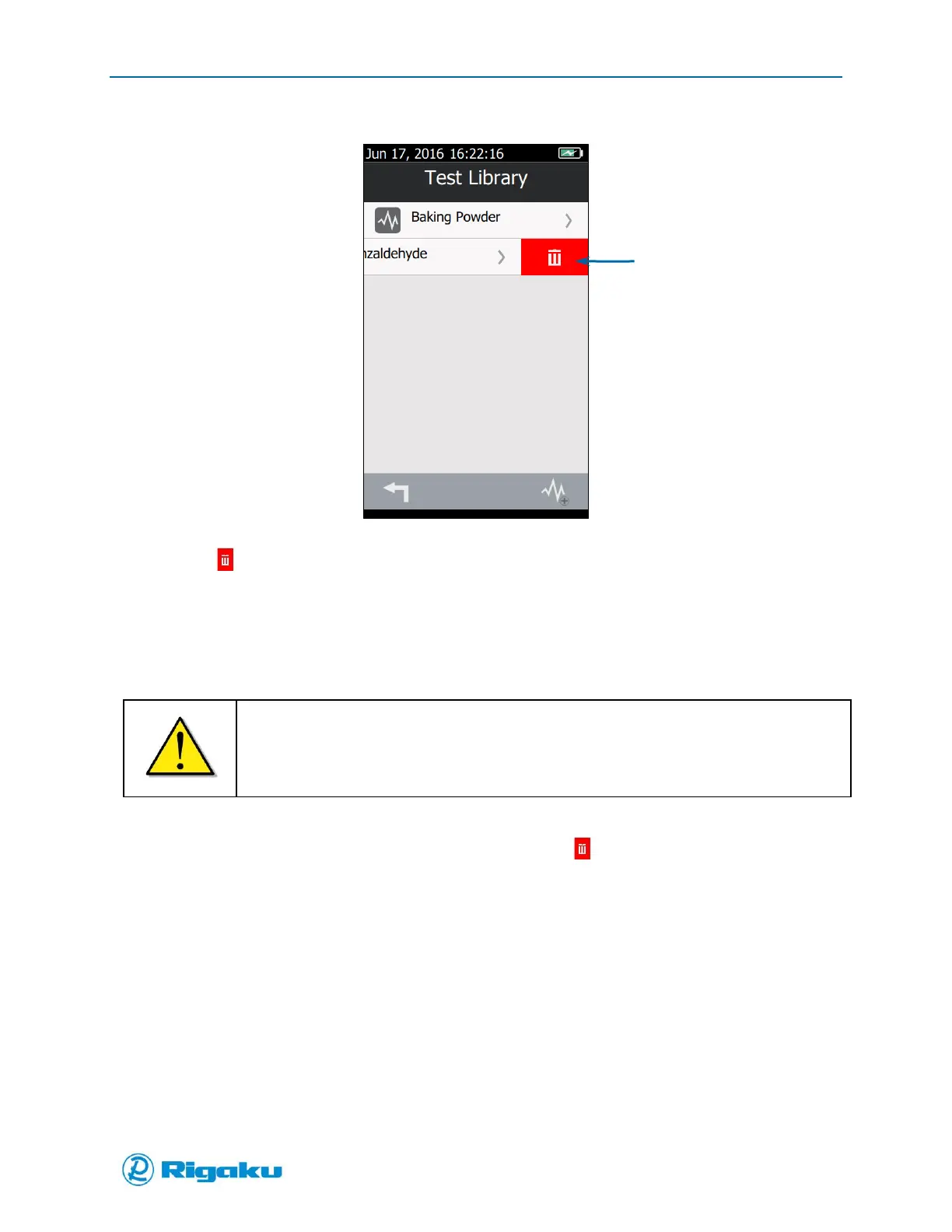
Figure 38. Delete Control on the Sub-Library Screen
3. Select (Delete) to remove the spectral profile from the sub-library.
Deleting Spectral Sub-Libraries
When you no longer use any applications that require a specific sub-library, you can delete the sub-
library. However, if you remove a sub-library that is still being used by an application, the application
may not function correctly.
Before deleting a sub-library, make sure no application uses it.
For more information about linking applications to sub-libraries, see “Configuring
Applications.”
1. Navigate to the list of sub-libraries.
2. Drag the sub-library you want to delete left to display the (Delete) soft key (Figure 39).



 To Next Page