Configuring Progeny Analyzers 70
1006232_RevD
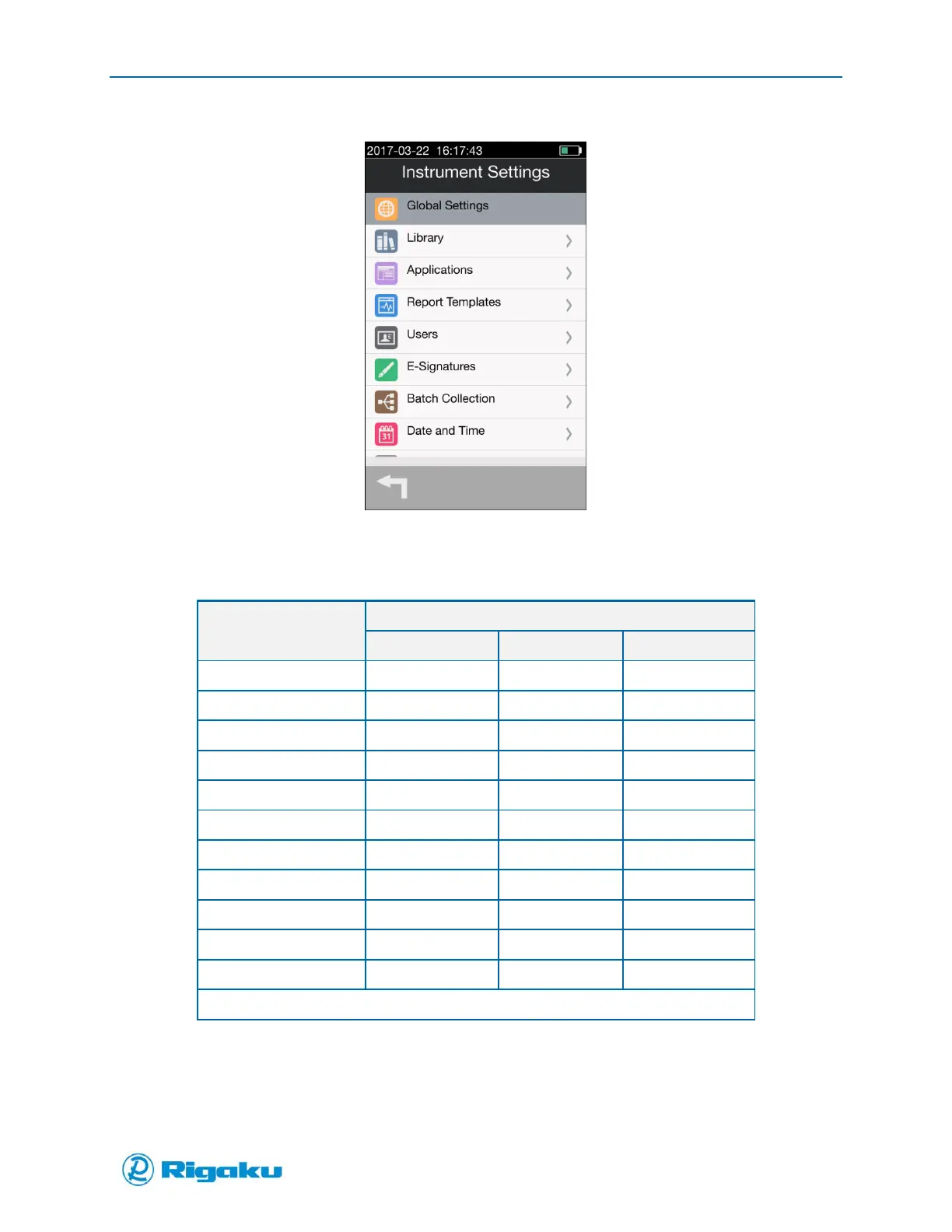
Figure 41. Instrument Settings Screen
2. Select the Instrument Settings category to be configured.
The available settings are based on your permission level as noted below:
Green = Available Red = Not available Yellow = Some options available
Customizing Global Settings
Configuring Global Settings ensures that the information collected by your Progeny Analyzer complies
with your organization’s security and data requirements.



 To Next Page