Advanced Options 40
1006232_RevD
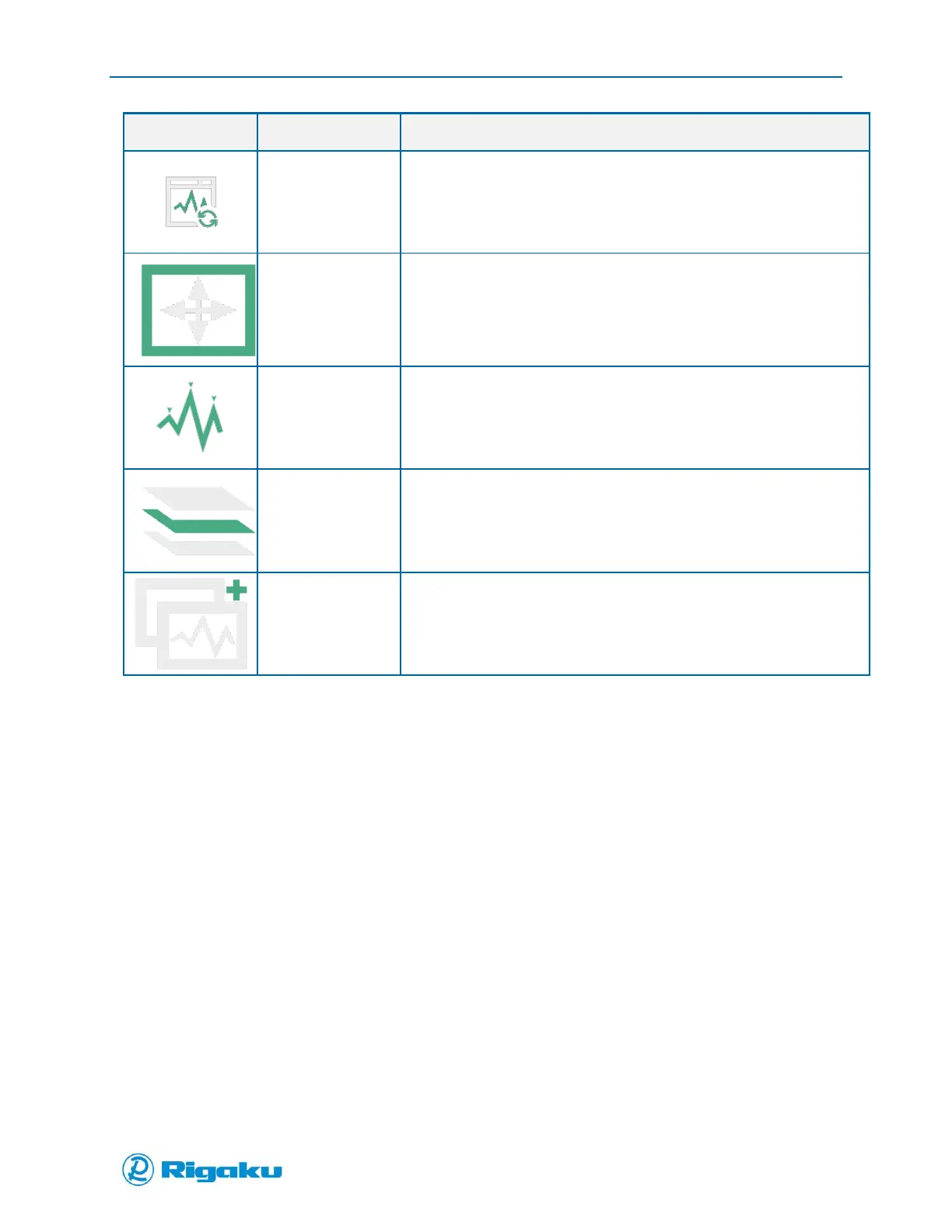
Refresh the current Reports view
Tap to turn cross-hatch on
Tap to turn cross-hatch off
Stack sample and library spectra. 3 levels of stacking available
Select spectra to overlay with current spectra
Advanced Options
Custom Applications
With custom applications you can configure the instrument for specific situations, such as scanning
substances in a particular lab, facility, or location. Using a custom configuration for detection of
particular substances avoids the need to search through the Master Library.
Progeny Analyzers have two types of applications: Verification and Identification. Verification
applications check that your substances are what you expect them to be, by comparing scan results to a
specified spectral profile and then providing Pass/Fail results. Verification applications are most useful
for scanning known substances.
Identification applications identify the scanned samples by comparing to the spectral profiles in a linked
spectral sub-library, similar to Analyze, which searches the Master Library. Only users with Developer
and Administrator permission levels can add and configure applications for all users to run.
When developing applications for new substances, the user will need to optimize the instrument
settings and the focal position of the adaptor. The properties that you may need to adjust to get
sufficiently detailed spectral results are:



 To Next Page