Operating Progeny Analyzers 39
1006232_RevD
b. Repeat the (Extended screen) to view the report template image.
c. Review the report
d. Scroll down to view the image captured.
e. If required sign and/or print the report.
f. Drag (Extended screen) to the right, or select it and press the left arrow hard key
to return to the memo and scan results screens.
9. Select (Cancel/Back) to return to the Main screen.
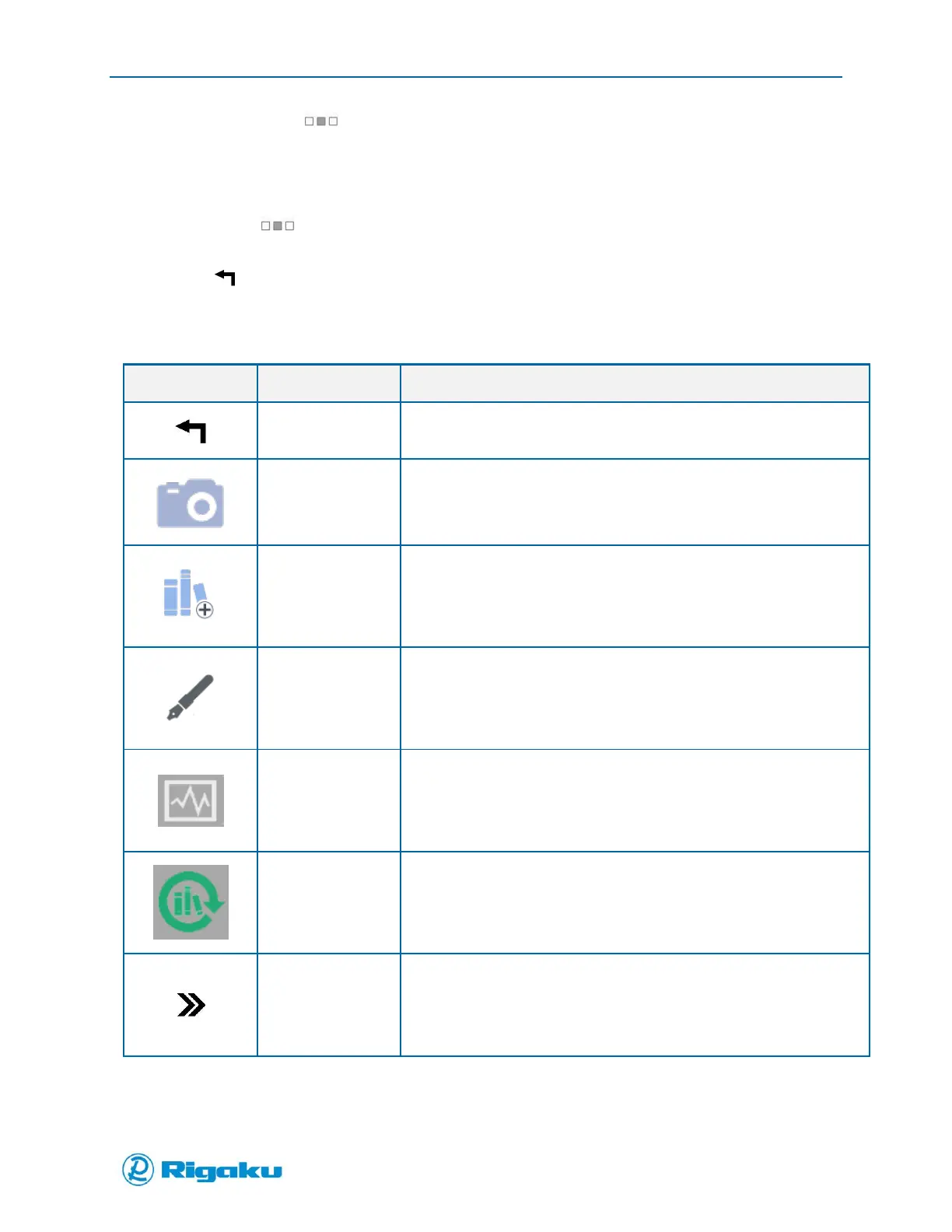
The following options are available:
Cancels current action.
Returns to the previous screen.
Record barcodes and screen capture of current view
Add the current spectra to a library
View spectra in landscape mode
Opens the Analyze Settings screen to allow this result’s spectral data to
be used to search again, using a different library or search parameters
Scan next sample or repeat scan on current material



 To Next Page