Sync Results to Personal Computer 91
1006232_RevD
Alternative USB Connected IP Address: http://10.0.0.1 or 10.0.10.64 or 192.168.10.64
The currently configured USB IP Address can be located by navigating to Settings ->
Communication -> USB ->USB IP Address.
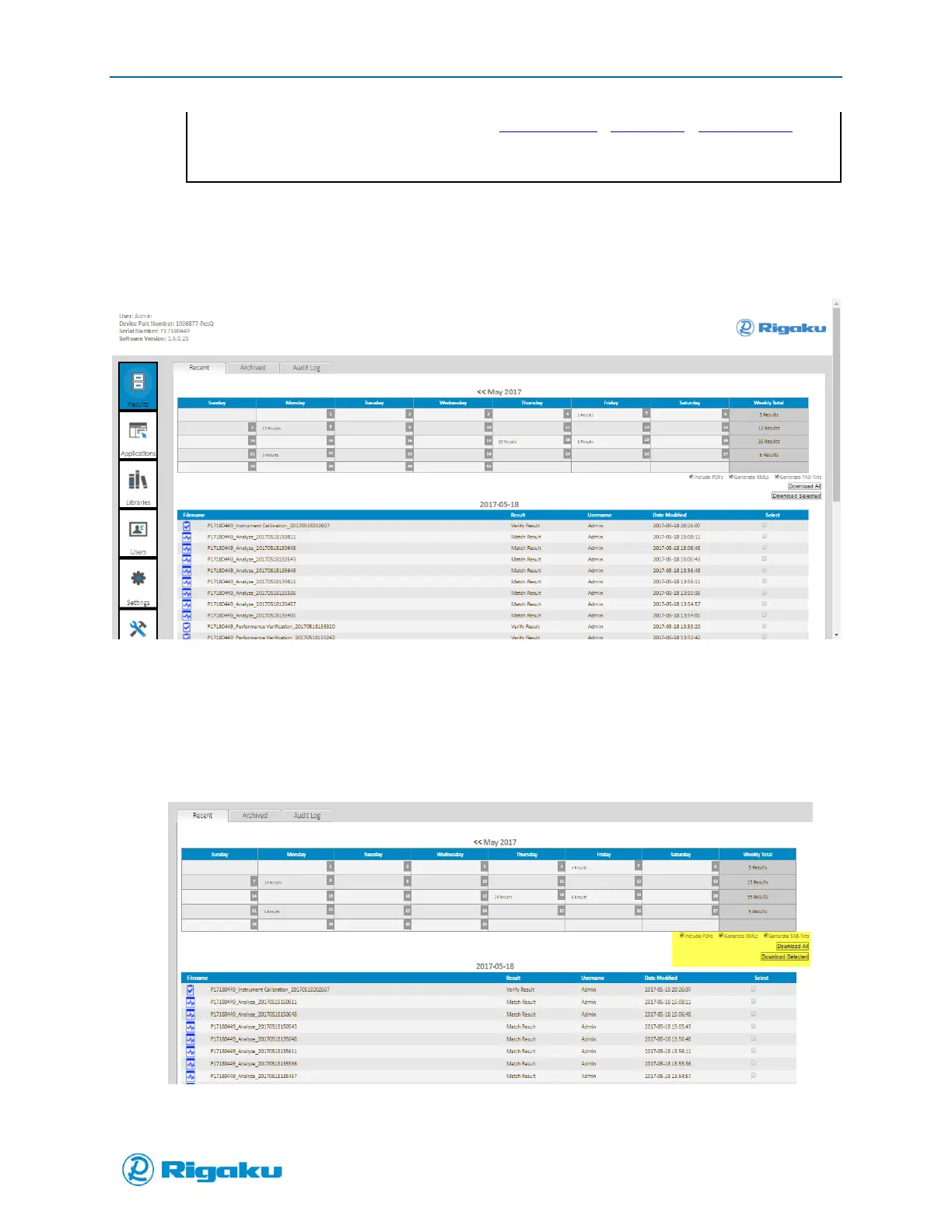
The Progeny instrument details will be displayed in the web browser (Figure 61).
Figure 61. Progeny Web Browser Screen
4. Click on a date from the calendar view or an individual Results filename to open it as a PDF form
in a new browser window
5. To download individual or multiple files; select Include PDF’s, Generate XML’s, and/or Generate
TXT Options (highlighted region in Figure 62)
6. Select Download All or Download Selected to download as PDF, XML and or TXT format
Figure 62. Progeny Web Browser Screen
From the Progeny web browser screen the user can view Results, Applications on the instrument, and
other Users of the instrument.



 To Next Page