Advanced Options 53
1006232_RevD
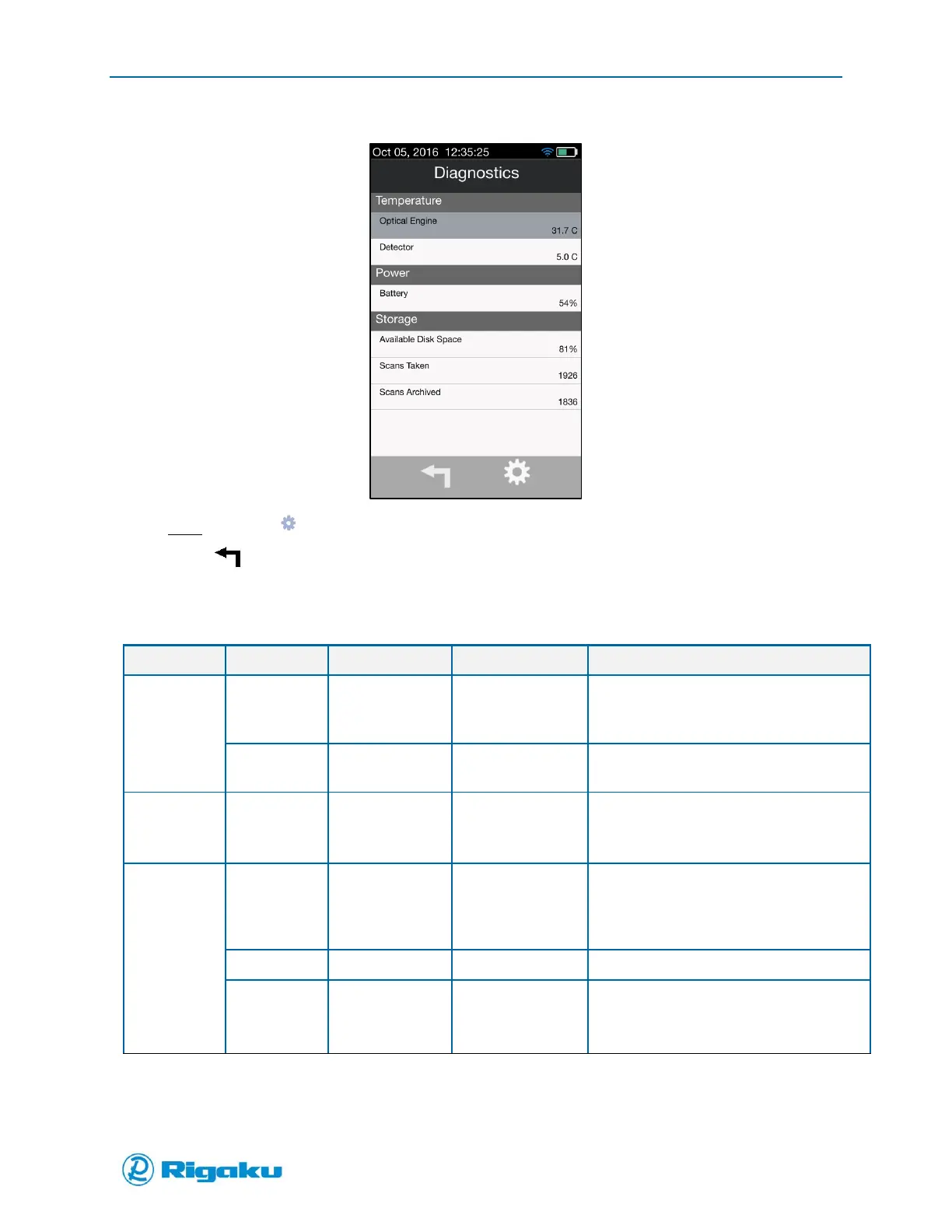
Figure 28. Diagnostics Screen with Information Displayed
Note: The icon ( ) is for password protected manufacturing entry only.
3. Select (Cancel/Back) to return to the Instrument Settings screen.
Table 4. Diagnostic Screen Data Items
30-40C but can
vary by
environment
Optical engine internal temperature
5C but varies by
environment
Detector package temperature
Displays approximate battery charge
percentage remaining
Varies depending
on number of
scans and photos
collected
Percent of disk space remaining
Number of scans collected
Number of scans archived
(downloaded off instrument)



 To Next Page