Batch Collection 84
1006232_RevD
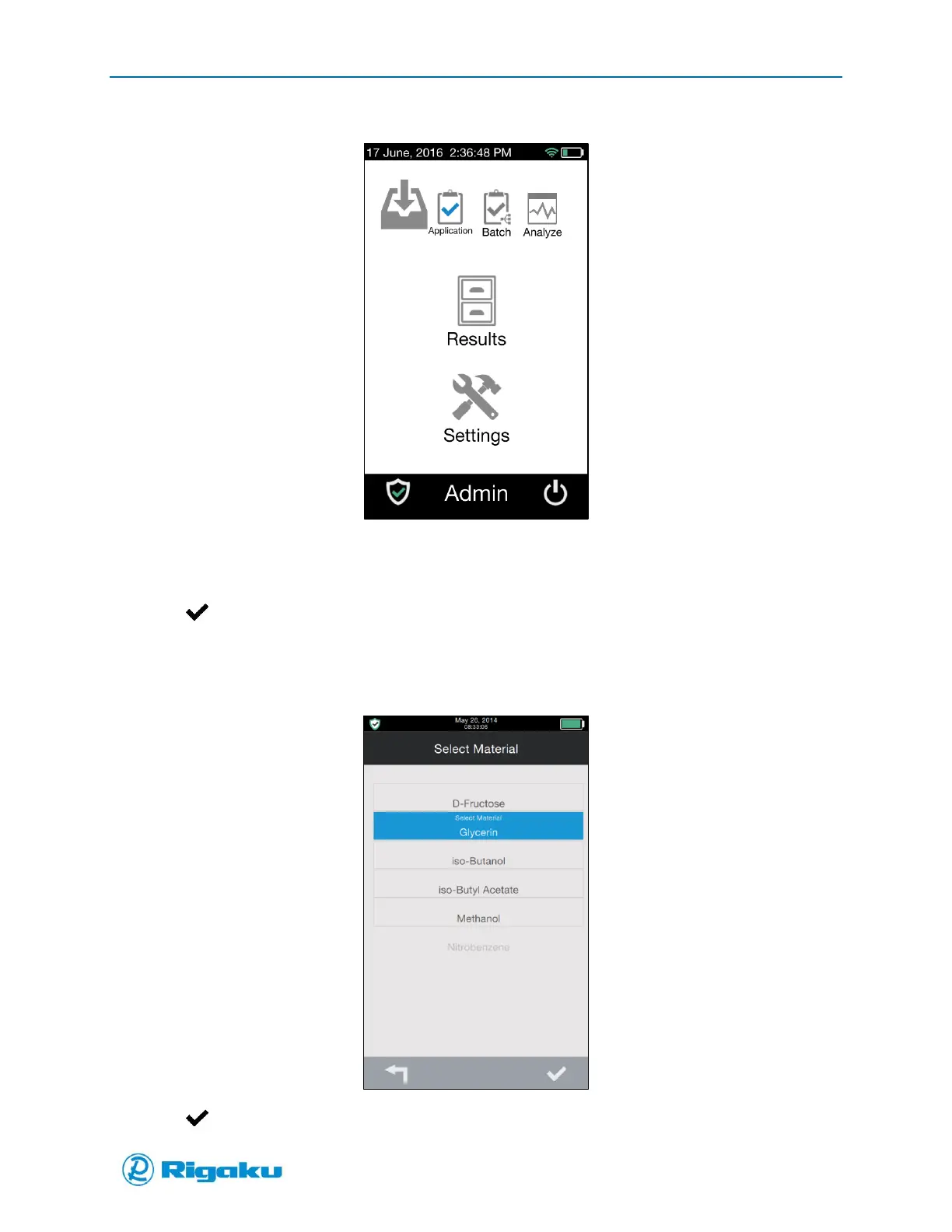
Figure 51. Scan Options Screen
2. Select Batch to display applications.
3. Select an application for verification to highlight it.
4. Select (Enter) to launch the application and display the Select Material screen listing the
spectral profiles available in the spectral sub-library linked to the application (Figure 52).
5. Scroll through the list and select the substance of the sample you are verifying to highlight it.
Figure 52. Select Material Screen Glycerin Selected
6. Select (Enter) to display the Batch ID prompt (Figure 53).



 To Next Page