3. Set the Format
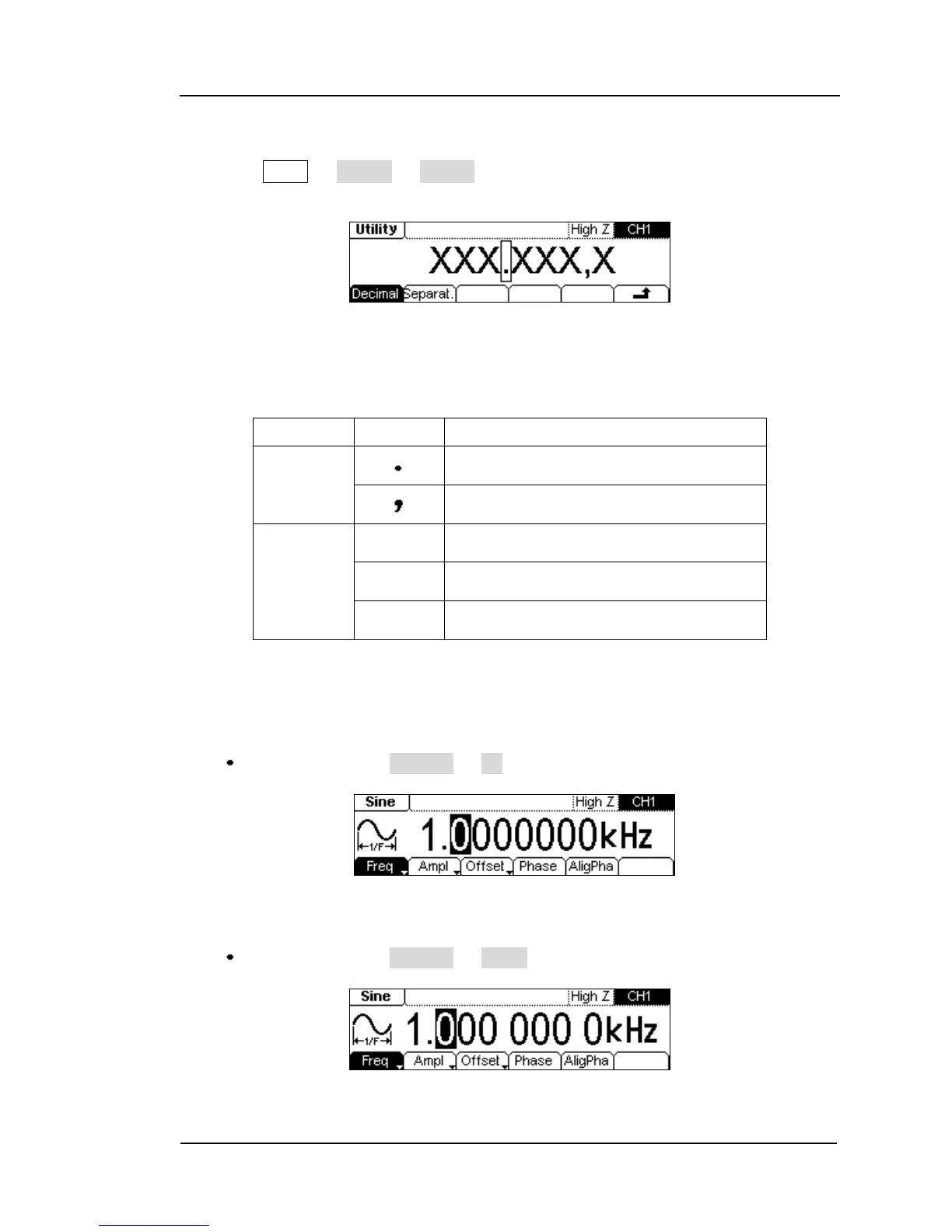
Press Utility System Format, enter the following interface.
Figure 2-70
Setting the data Format
Table 2-28 Setting the Data Format
According to the different choice of the decimal and the separate, the format can
have various forms:
(1) “ ” as decimal, press Separat. No, the example is as follows:
Figure 2-71 Setting the data format
(2) “ ” as decimal, press Separat. Space, the example is as follows:
Figure 2-72 Setting the data format


 To Next Page