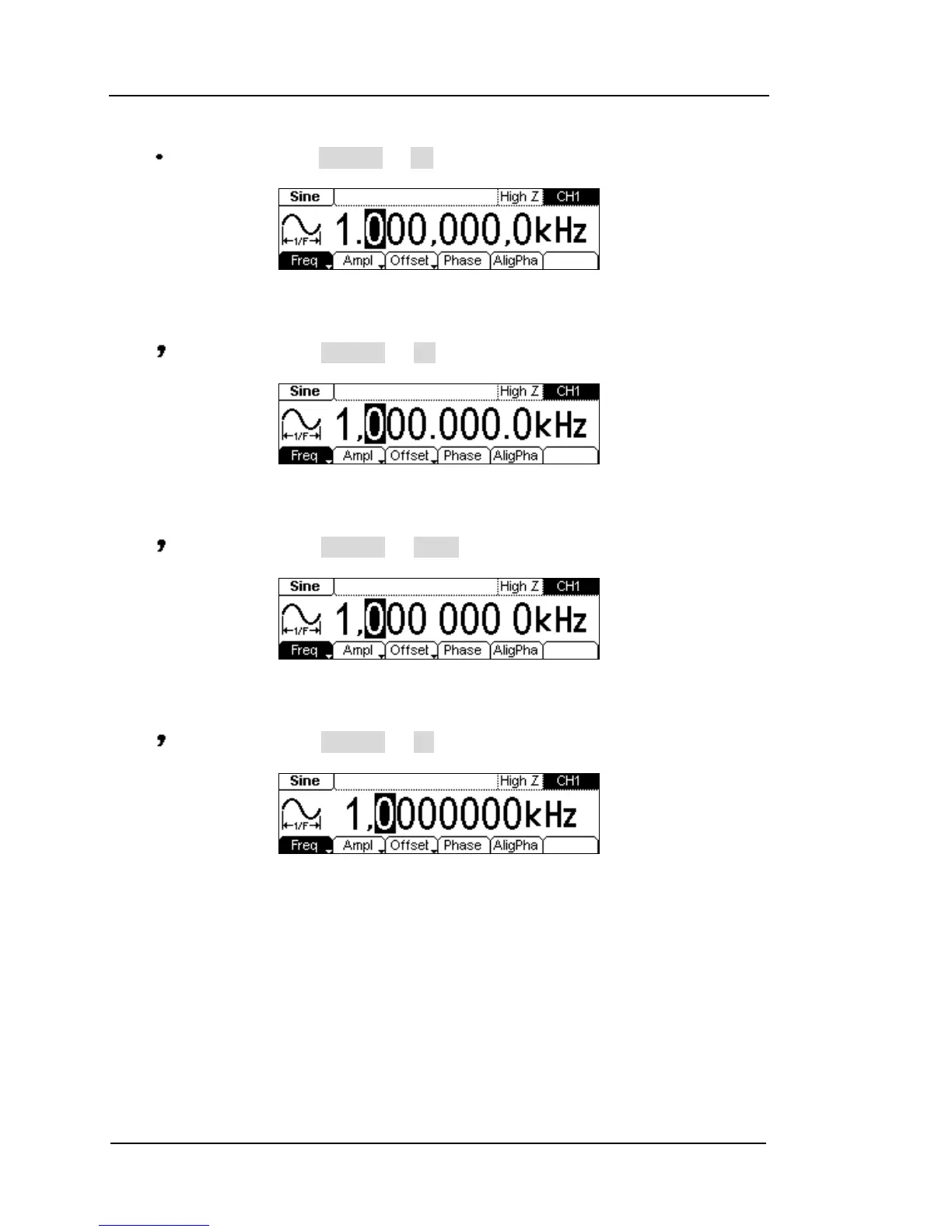
(3) “ ” as decimal, press Separat. On, the example is as follows:
Figure 2-73 Setting the data format
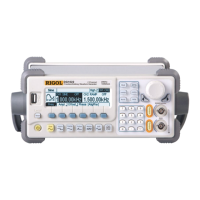
(4) “ ” as decimal, press Separat. On, the example is as follows:
Figure 2-74 Setting the data format
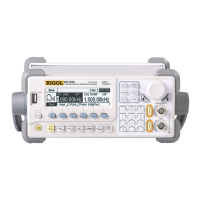
(5) “ ” as decimal, press Separat. Space, the example is as follows:
Figure 2-75 Setting the data format
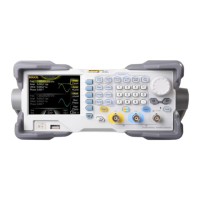
(6) “ ” as decimal, press Separat. No, the example is as follows:
Figure 2-76 Setting the data format


 To Next Page