83
Store Operations
Note
During filter selection, the and keys serve to
change the filter frequency.
The data number can be switched in one of two ways
during filter selection.
• Switch to the recall screen, change the data num-
ber, and switch back to the measurement screen.
• On menu screen 1/5, set the filter to "Off", switch
the data number on the measurement screen, and
then again activate the filter on menu screen 1/5.
2 0 8 0
F a s t
M a n u
m
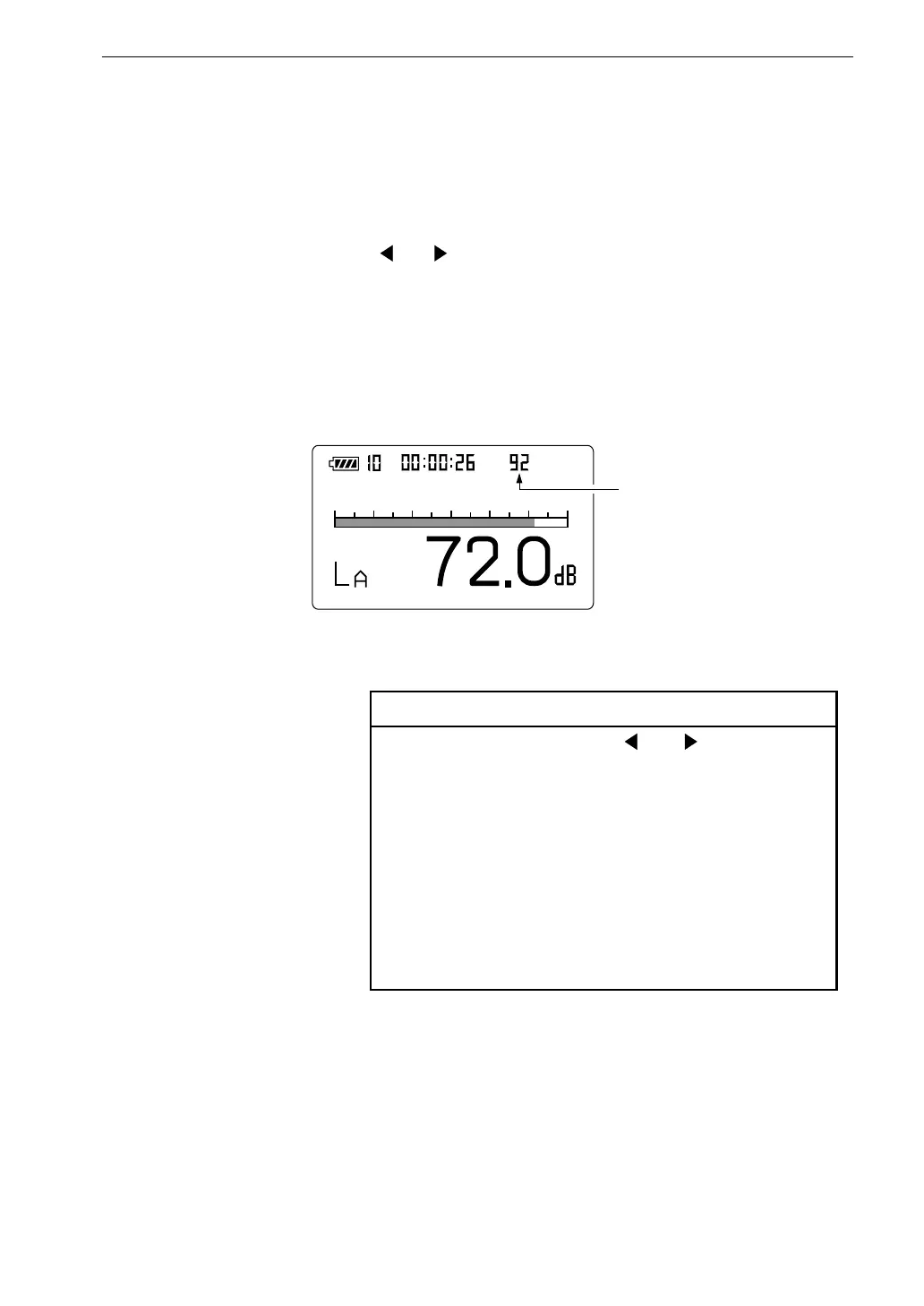
D a t a n u m b e r
M e a s u r e m e n t s c r e e n
9. To store processed values, perform the measurement as described in
the preceding chapter (except for "Sound level Measurement").
10. Select the data number for the store process.
The data number is shown on the screen.
You can use the and keys to set the data number to a value between
1 to 100. If there are already measurement data in the selected number,
these data will be overwritten by the new data. To check whether data
are present, perform the steps described in "Reading Stored Data" on
pages 82 and 83.



 To Next Page