24
Measurement
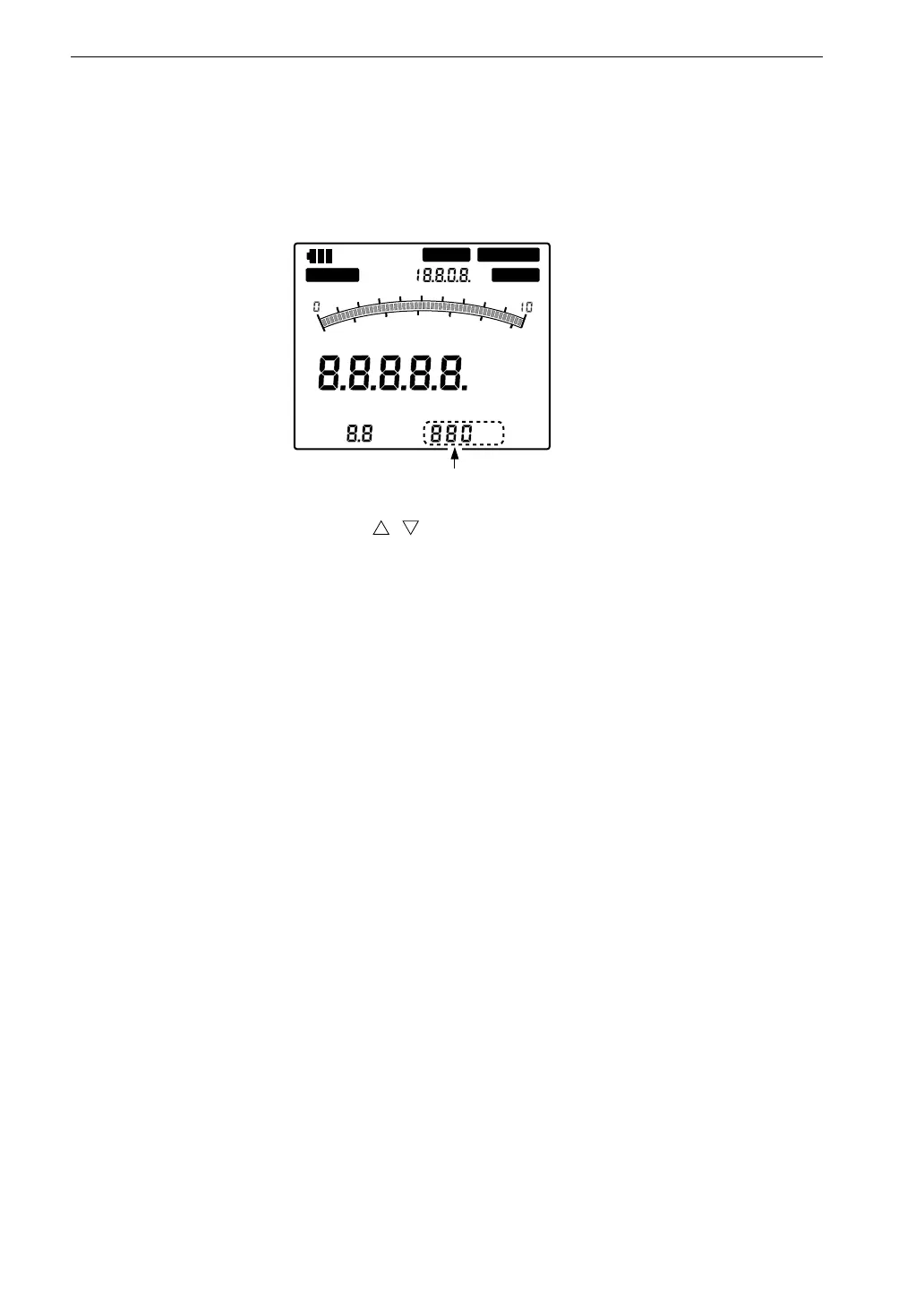
Low-Pass Filter Setting
Setting procedure
1. Press the LPF key. (The indicator above the key lights up.)
2. Use the setting keys ( , ) to select the filter setting. The available set-
tings are listed below.
Piezoelectric accelerometer
100 Hz, 300 Hz, 1 kHz, 3 kHz, 10 kHz, -- (OFF; ACC only)
Servo accelerometer LS-10C
50 Hz, 100 Hz
For more information on the characteristics of the low-pass filter, please
refer to the Technical Information.
C O M P R E M O T E
O V E RU N D E R C A L
P E A K
M A X
H O L D O V E R
R M S
E Q
P E A K
E Q
P - P
H z
k H z
p C /
m m / s
2
2
4
6
8
1
2
3
0
L o w - p a s s f i l t e r



 To Next Page