3
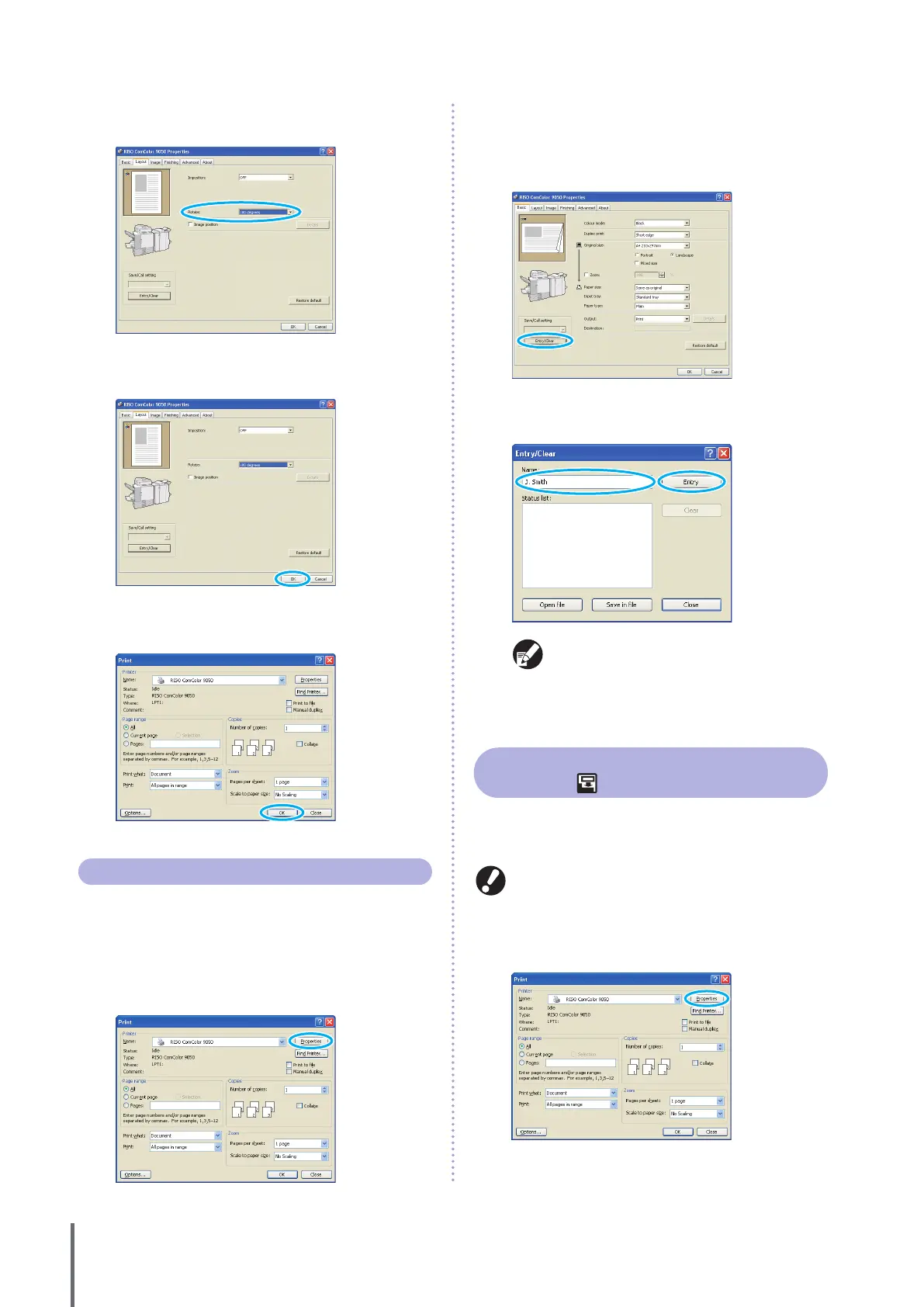
Select the angle of rotation in the [Rotate] pull-
down menu.
4
After input is nished, click [OK].
Complete other settings as needed.
5
In the printing dialog box, click [OK] (or [Print]).
Saving Frequently Used Settings
Frequently used settings information can be saved and
recalled later as needed. This eliminates the need to
complete the settings each time.
1
Click [Properties] (or [Preferences]) in the printing
dialog box of the source application.
2
Complete the print settings on each tab.
3
Click [Entry/Clear].
4
Enter a name in [Name] and click [Entry].
To access settings you have registered, select the
desired settings in the [Save/Call setting] pull-
down menu.
To cancel settings that you have recalled, click
[Restore default].
•
•
Printing Page Numbers and Dates in
Booklets
Page numbers and dates can be added when printing a
series of originals over multiple pages, arranged in a
particular layout to be folded in two to create booklets.
This function can only be congured when you have
connected an optional multifunction nisher.
1
Click [Properties] (or [Preferences]) in the printing
dialog box of the source application.
ComColor Series Basic Guide 02










 To Next Page