EVISION - HD101 & HD102 www.roevisual.com
V1.13, 2020-05-20 | Copyright © 2020 ROE Visual Co., Ltd. All Rights Reserved.
35 / 41
7.2 Panel firmware upgrade
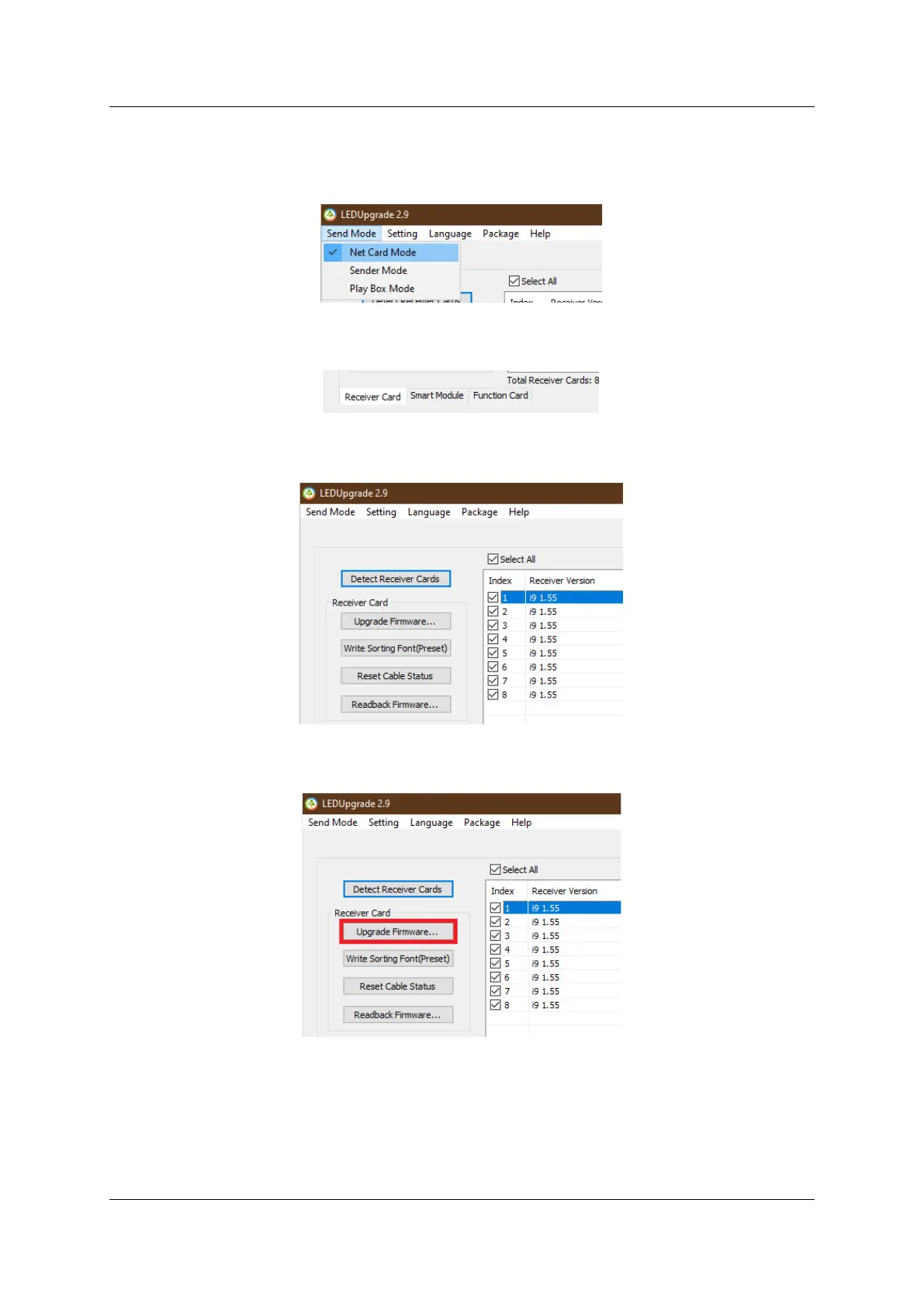
7.2.1 Select Sender Mode if panels connecting to the processor.
Select Net Card Mode if panels connecting to the PC.
Figure 7-7. Net Card Mode
7.2.2 Select the Receiver Card tab.
Figure 7-8. Receiver Card Mode
7.2.3 Select panel(s) for upgrade
Figure 7-9. Select panels
7.2.4 Select panel firmware for upgrade
Figure 7-10. Browse firmware
7.2.5 Panel firmware upgrade completed
Wait for the upgrade completion notification and the upgrade is completed.



 To Next Page