EVISION - HD101 & HD102 www.roevisual.com
V1.13, 2020-05-20 | Copyright © 2020 ROE Visual Co., Ltd. All Rights Reserved.
23 / 41
6.8 Advanced Display Settings
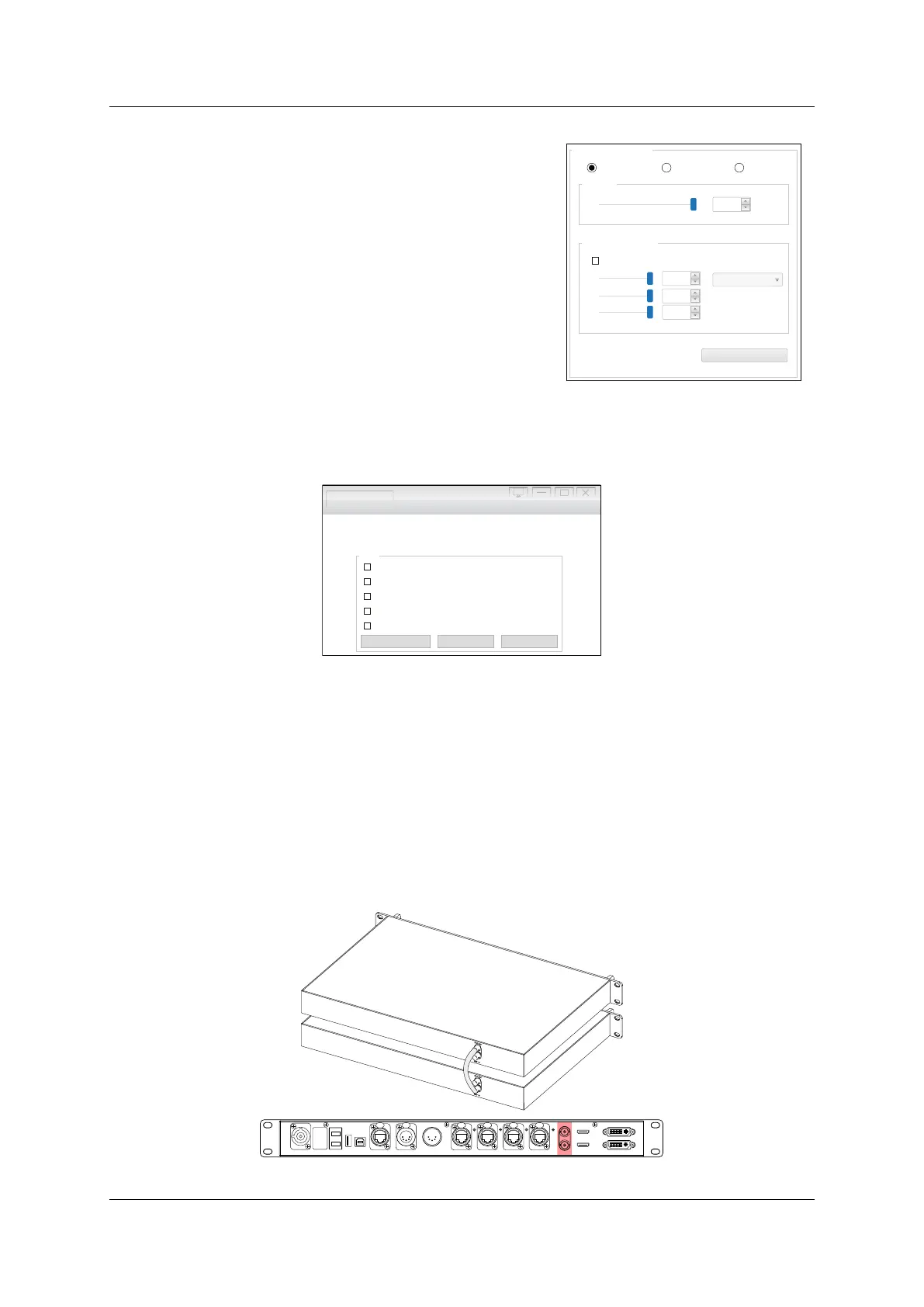
Grayscale
Manual Adjust to enable the slider controlling the
brightness from 1% to 100%.
Timing Adjust to enable the time schedule controlling the
brightness from 1% to 100%. Need to keep software EV
ISION
SB/control Ethernet cable connected.
Auto Adjust to enable auto-brightness adjustment, multi-
function box and light sensor required.
Display Color Adjustment
Use the sliders or options to adjust the color temperature of the
LED screen.
Figure 6-9. Advanced display settings
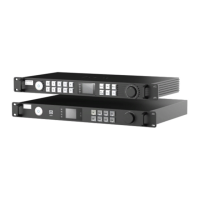
6.9 Extra Functions on Setup
Figure 6-10. Extra functions on setup
6.9.1 High Gray Scale Mode
Enabling High grayscale under low brightness will improve greyscale when output bright was low.
Please be noted that only i6 receiving cards available for this function.
6.9.2 Low Latency
Enabling Low Latency mode will reduce frame delay from 2 frames to 1 frame, while output width
limitation reduced to 512 pixels.
6.9.3 Genlock
Enabling the Genlock function will provide access for Reference IN & LOOP for generators.
Figure 6-11. HD102 Genlock Loop cabling
Advanced display settings
Gray scale
100
Display Color Adjustment
R
G
B
255
255
255
6500
Save To Sender Card
Manual Adjust
Timing Adjust
Auto Adjust
Slide The Slider To Adjust
Testing and Adjusting Evision Edge
Picture Adjustment...
DMX Set...
IP Setting...
Low Latency
Gen Lock
Fiber Output
Mapping from Sender
Setup
High rayscale under low brightness i6 Only g ( )
HDMI IN
USB
OUT
PO RT1
PO RT2
PO RT3
PO RT4
INPUT 100-240V AC 50/60 Hz
DV I IN
DVI LOOPHDM I LOOP
RE F IN
RE F OUT
DMX IN
DMX OUT
NE T
USB
IN
FIBER 2
F IBE R1



 To Next Page