EasyManua.ls Logo

ROE EVISON HD102 - Menu Topology of HD102; 10 Revision History

Default Icon
41 pages
Print Icon
To Previous Page IconTo Previous Page
Loading...
EVISION - HD101 & HD102 www.roevisual.com
V1.13, 2020-05-20 | Copyright © 2020 ROE Visual Co., Ltd. All Rights Reserved.
41 / 41
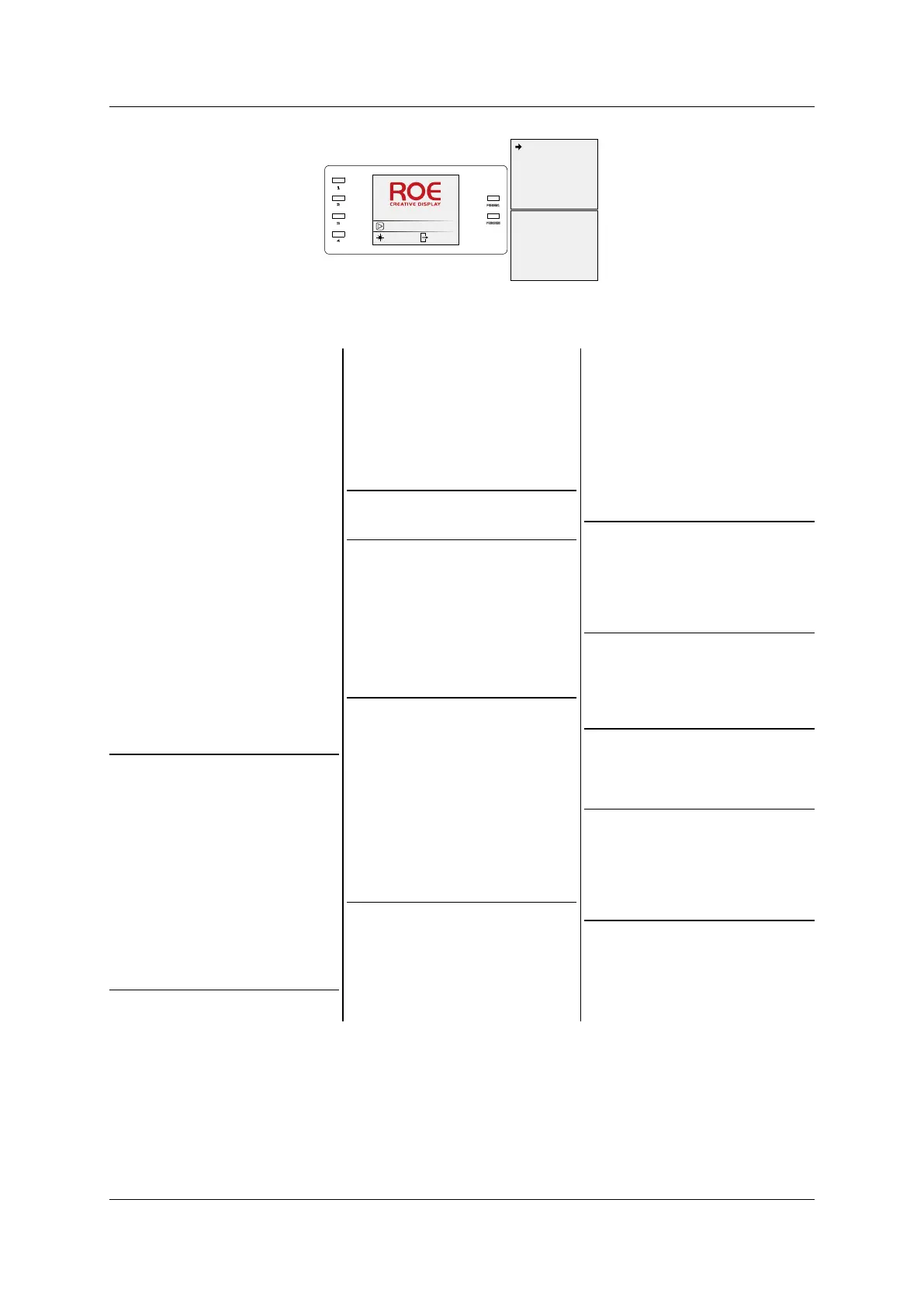
9.5 Menu Topology of HD102
Figure 9-6. HD102 main menu
1. Display Setting
1. Brightness
Brightness 100%
2. CCT
1. CCT 6500
2. Default
3. Black (o )
4. Better Grey (o )
5. Test Mode
1. Normal
2. Red
3. Green
4. Blue
5. White
6. Vertical Line
7. Horizontal Line
8. Left Slash
9. Right Slash
10. Pane
11. Gradient Red
12. Gradient Green
13. Gradient Blue
14. Gradient White
15. Black
2. EDID Setting
1. 800 x 600
2. 1024 x 768
3. 1280 x 720
4. 1280 x 960
5. 1280 x 1024
6. 1366 x 768
7. 1440 x 900
8. 1440 x 1050
9. 1600 x 900
10. 1920 x 1080
11. 2048 x 1024
12. Custom
3. Picture Adjust
1. Enable (o )
2. Hue 0
3. Saturation 100
4. Compensating 0
5. Contrast 100
6. Save
7. Reset
4. Gen Lock (o )
5. Output Setting
1. Fiber/Cable
1. By Cable (o )
Output Mode:
By Cable
2. By Fiber ( o)
Output Mode:
By Fiber
6. Tiles Mapping
1. Mapping Source
1. Sender
2. Receiver
V
1. Mapping Source
1. Sender
2. Receiver
V
7. Output Shift
1. Port 1
2. Tile Width 128
3. Tile Height 128
4. Column 1
5. Row 1
6. X Offset 0
7. Y Offset 0
8. Link Type M
9. Save
8. DMX Setting
1. Date Setting
2. Time Setting
3. Factory Reset
4. Version
9. Ethernet Setting
1. DHCP (o )
2. Static IP
IP: 192.168.1.100
10. Language
1. Chinese
2. English
11. System Setting
1. Date Setting
2. Time Setting
3. Factory Reset
4. Version
HD 102
No Video
100%
Ca ble
1. Display S etting
2. EDI D Settin g
3. Picture Ad jus t
4. Gen Lo ck
5. Output Sett ing
6. Tiles M apping
7. Output Shift
8. DMX Set ting
9. Ether net Set ting
10. La nguage
11. System Set ting

Table of Contents

Related product manuals