EVISION - HD101 & HD102 www.roevisual.com
V1.13, 2020-05-20 | Copyright © 2020 ROE Visual Co., Ltd. All Rights Reserved.
39 / 41
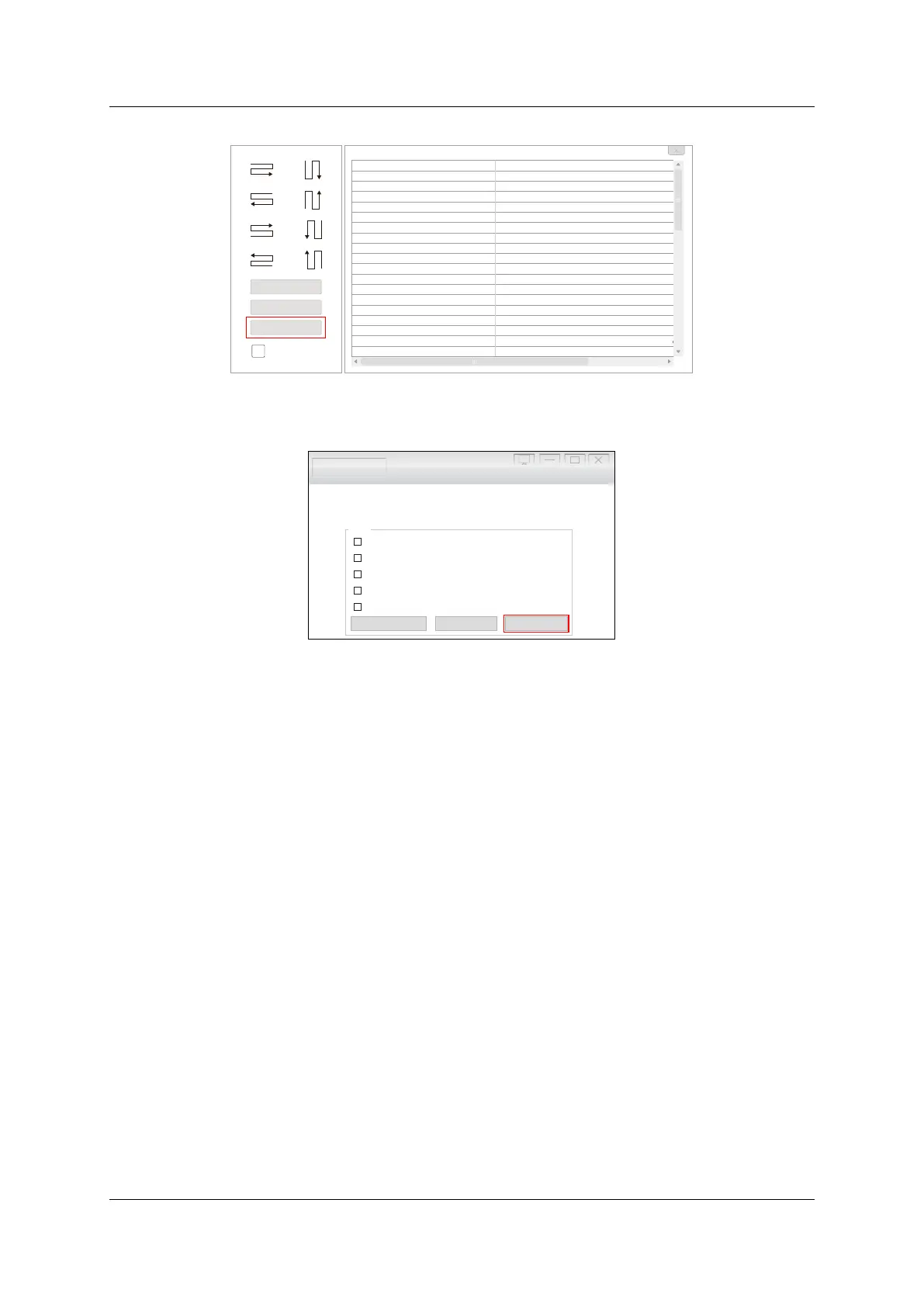
9.2 Keyboard Shortcuts
Figure 9-4. Keyboard shortcuts for EVISION
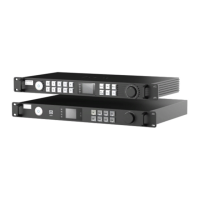
9.3 IP Setup
Figure 9-5. IP setting
Go to Testing and Adjusting -> Setup -> IP Setting… in EVISION to enable DHCP, allowing Processor
HD102 to offer an IP address to PC automatically, or to set up a static IP address for the processor.
If keeping DHCP disabled, static IP address and netmask need to be set up for PC.
Make sure the processor and PC are located in the same LAN (local area network). For example, processor
is using 192.168.1.100/24 (IP address: 192.168.1.100, netmask: 255.255.255.0), and PC can go with
192.168.1.123/24 (IP address: 192.168.1.123, netmask: 255.255.255.0).
For win10, you can go through the below procedures to change IP settings.
Setting -> Network & Internet -> Change adapter options -> Ethernet (double click) -> Internet
Protocol Version 4 (TCP/IPv4) (double click) - > Use the following IP address (key in IP address and
subnet mask) -> OK.
H otke y List
Key
Left Mouse
Righ t Mou se
Mouse Whe ll
Ctr l + Mouse Wh eel
Shi ft + Mouse Whe el
Ctr l + Left Mouse
Ctr l + Left Mouse Do uble Cli cked
Ctr l + A
Ctr l + Up (Left, Rig ht, Down)
Shi ft + Up (Left, Righ t, Down )
Empty Card Ed it Mode: Ctr l + Left Mouse
Ctr l + Z
Pag e Up
Pag e Down
Keyb oard : Up
Keyb oard : Do wn
Keyb oard : Left
Keyb oard : Rig ht
Descr iptio n
Numb ered til e by cli cke d, se lect tile by do ubl e click
Pr ess and move , numb ered til e conse cuti vel y, cl icke
Z oom
M ove vertica l scr oll bar
M ove hori zon tal scro ll bar
Se lect some re cei vin g car ds
Se lect tile conse cuti ve ly
Se
lect al l tile s of cu rren t scr een
C ancel til es
N umber ed til e
Se lect or de sel ect emp ty cards
U ndo
Z oom in
Z oom ou t
M ove up selecte d scr een whe n scr een is sele cted or
M ove down sele cted scr een when scre en is selecte d
M ove left selecte d scr een whe n scr een is sele cted or
M ove righ t sel ecte d sc reen whe n scr een is sele cted
Hotkey List
Reset All Tile
Reset Mapping
Indicator Off
Testing and Adjusting Evision Edge
Picture Adjustment...
DMX Set...
IP Setting...
Low Latency
Gen Lock
Fiber Output
Mapping from Sender
Setup
High rayscale under low brightness i6 Only g ( )



 To Next Page